[Solved] Resource not found for the segment in Power Automate
Introduction:
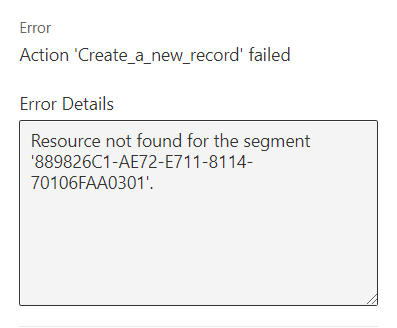
Using Common data service(Current environment) connector to create a record, if we are trying to populate lookup field we might get the below error message.
Solution:
When you use the current environment connector.
To populate a look up field, we need to specify the plural name of the entity and then the record GUID.
Eg: opportunities(GUID).
If we use the below approach, we will get the error Resource not found for the segment.
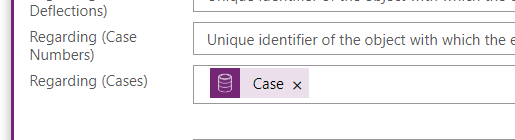
Use the below method to resolve the same.

Related posts:

How a Multi-Country Infrastructure Group Evaluated One vs Two Production Environments in Dynamics 36...
How an Australian Linen Company Made Quote Approvals Secure with One Time Links in Dynamics 365
Recovering Lost Approval History After a Purchase Order Deletion in Business Central