
Shortcut to Settings from Unified Interface: D365
If you’re spending time looking and wondering that you always need to go to the app switcher to go the Settings from the Unified Interface, you need to do the following –
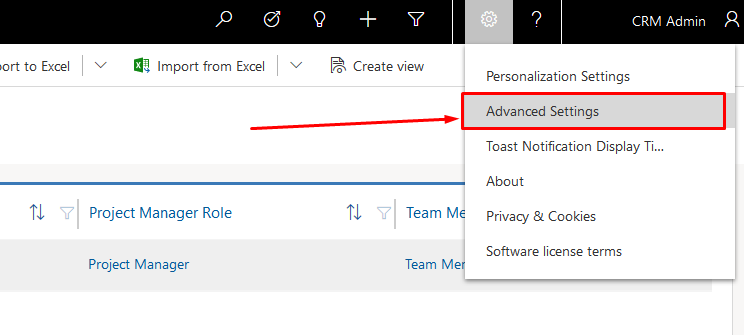
Once you are in the Unified Interface, click on the Gear icon next to the help icon on top-right corner as shown below and click Advanced Settings –
Right on the next tab, Settings with the classic UI is shown –
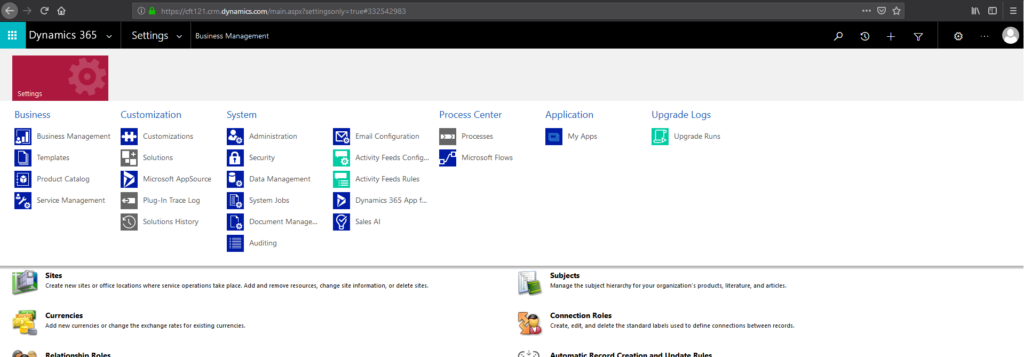
And there’s nothing else on the SiteMap.
Hope this helps!
Related posts:
Every Target Traced to a Deal: Dynamics 365 Sales Visibility for an Australian Commercial Laundry Pr...
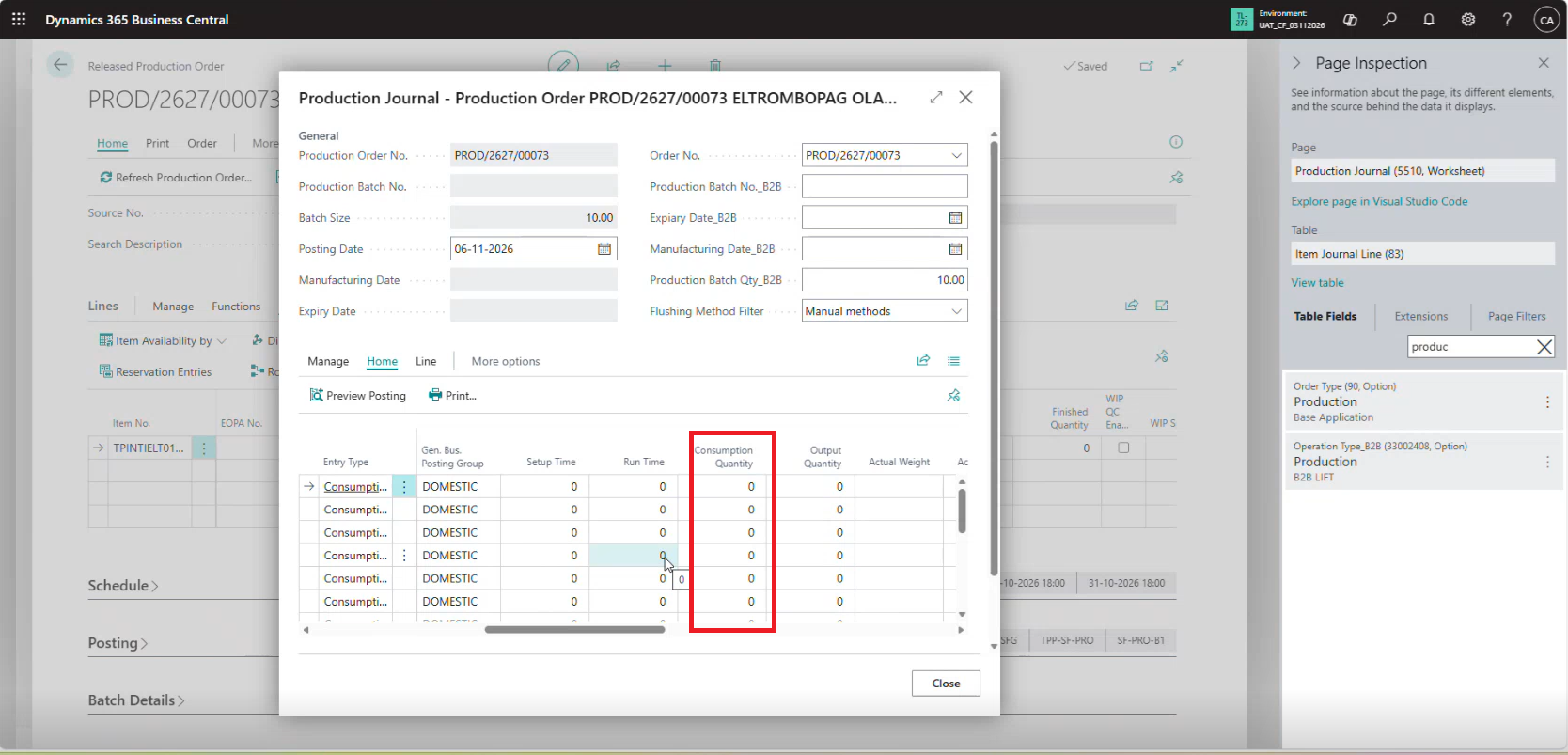
Why Is Consumption Quantity Showing Zero in Dynamics 365 Business Central? A Pharma Manufacturing Ca...
How We Built a Role-Based Customer Portal in Microsoft Power Pages for a US-Based IT Services Provid...