

Insert Images in Canvas Power App
Introduction: In this blog we will see how to add/insert images in Canvas App.
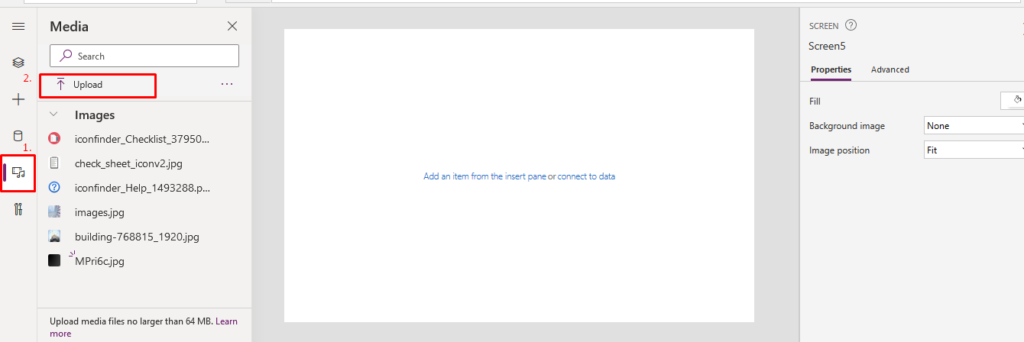
Step 1: Click on Media icon as shown below:

Step 2: Select Upload -> Upload images
Uploaded images will be shown under the “Images”.
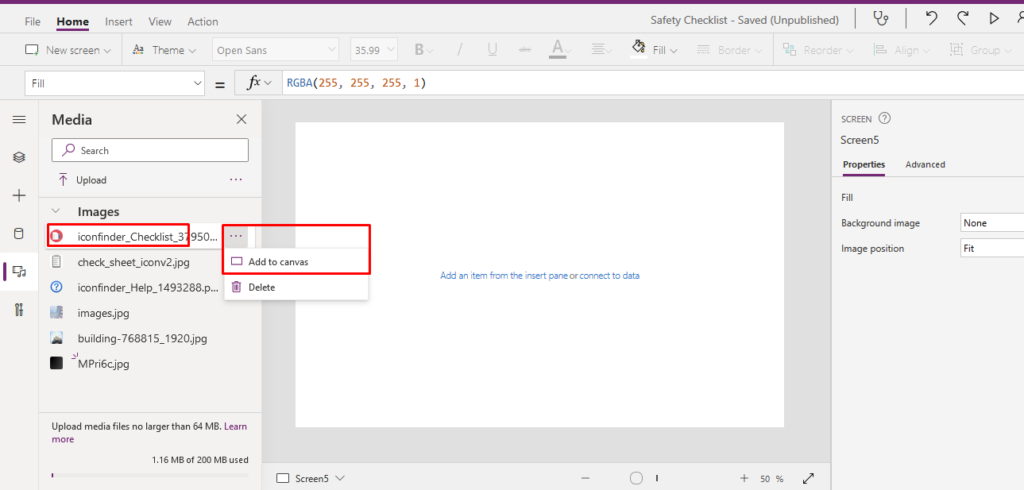
Step 3: Click on ellipsis -> Select Add to Canvas
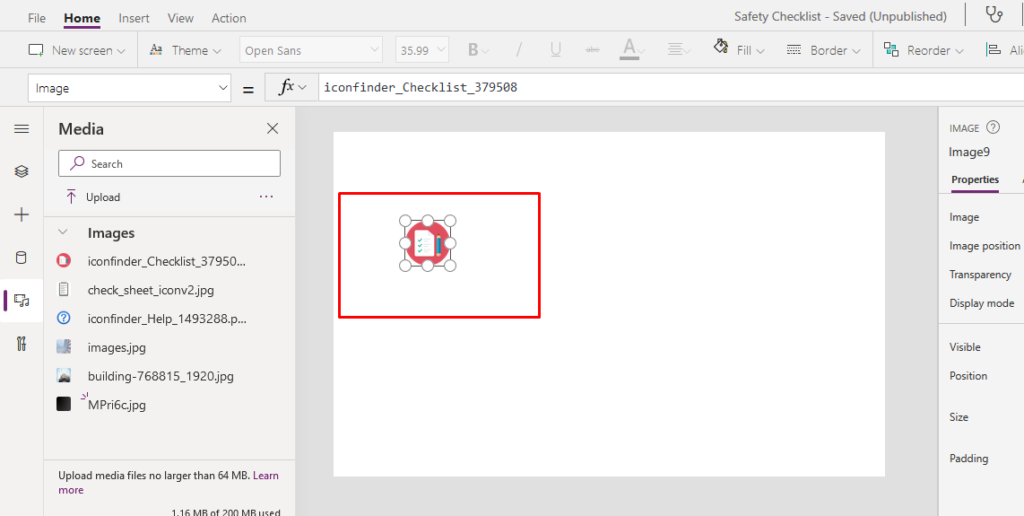
Output Screen:
Hope this helps !
Related posts:
Forecasting with Prophet-When Does It Make Sense

How a Multi-Country Oil & Gas and Marine Services Provider Corrected Receipt Costs Before Invent...
How to Extend Dynamics 365 CRM Using Side Panes: A Practical Implementation for a US-Based Kitchen A...