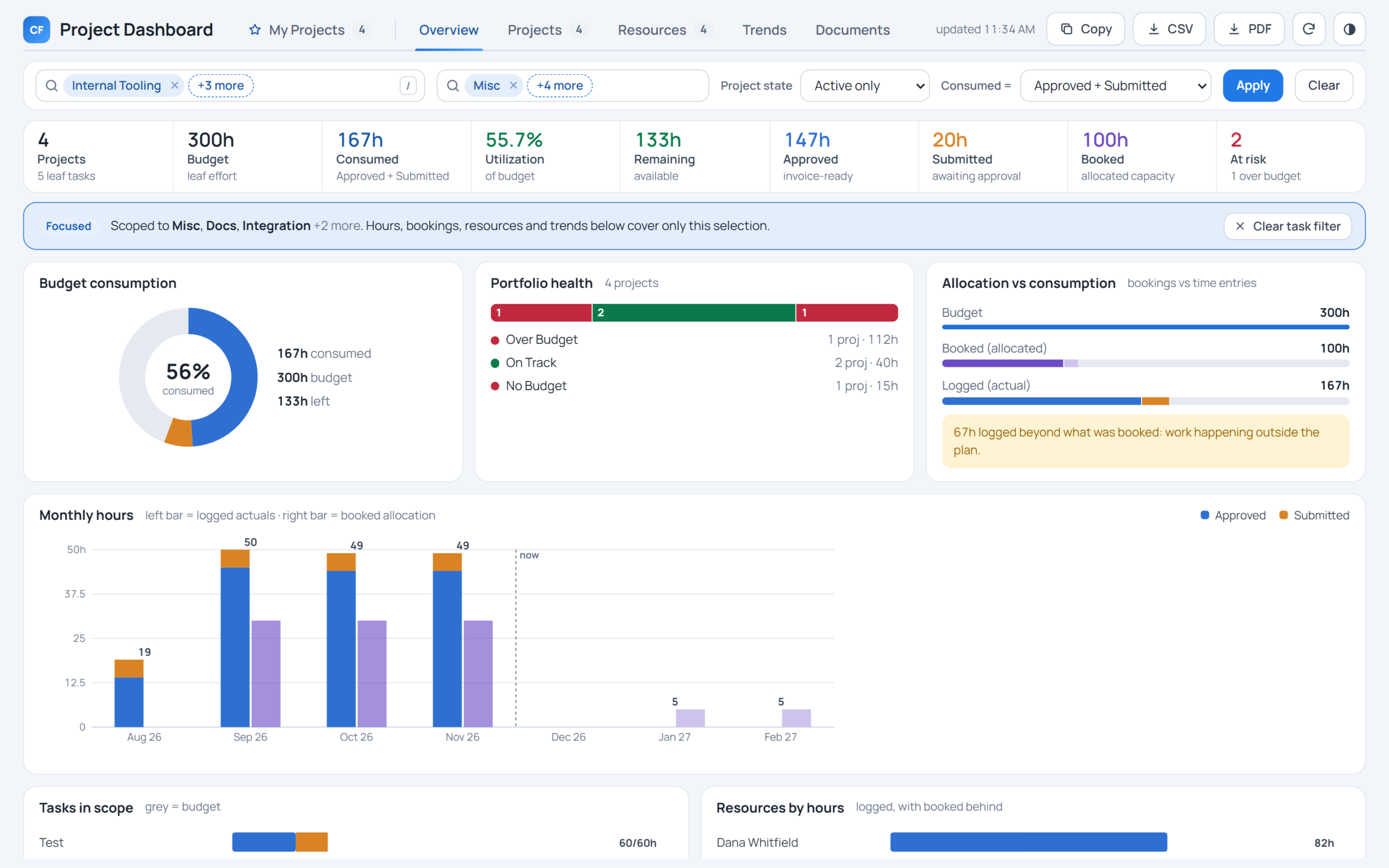

Create a new record using Editable Grid in Canvas App
Introduction – In this blog we will see how can we create new record in editable grid itself.
Below is the Time Entry Grid and we wanted to add new row on click on “+”

Step 1 : Add new icon “+” on screen and add patch operation On Select of the new icon.
Syntax –
Patch(Data source, Defaults(Data Source),{Attribute: value})

Output-

Hope this helps!
Related posts:
Every Target Traced to a Deal: Dynamics 365 Sales Visibility for an Australian Commercial Laundry Pr...
Why Is Consumption Quantity Showing Zero in Dynamics 365 Business Central? A Pharma Manufacturing Ca...
How We Built a Role-Based Customer Portal in Microsoft Power Pages for a US-Based IT Services Provid...