

Designing Event-Driven Integrations Between Dynamics 365 and Azure Services
When integrating Dynamics 365 (D365) with other systems, most teams traditionally rely on scheduled or API-driven integrations. While effective for simple use cases, these approaches often introduce delays, unnecessary API calls, and scalability issues.That’s where event-driven architecture comes in. By designing integrations that react to business events in real-time, organizations can build faster, more scalable, and more reliable systems.
In this blog, we’ll explore how to design event-driven integrations between D365 and Azure services, and walk through the key building blocks that make it possible.
Core Content
1. What is Event-Driven Architecture (EDA)?
- a. Definition:
Event-driven systems react to events (e.g., “New Customer Created”, “Invoice Paid”) instead of polling for updates. - b. Key Benefits:
- 1. Real-time processing (no delays from batch jobs).
- 2. Reduced API calls (only react when something changes).
- 3. Better scalability (loose coupling of systems).
Example in D365:
Instead of running a scheduled job every hour to check for new accounts, an event is raised whenever a new account is created, and downstream systems are notified immediately.
2. How Events Work in Dynamics 365
Dynamics 365 doesn’t publish events directly, but it provides mechanisms to capture them:
- 1. Plugins + Webhooks → Trigger when records are created/updated.
- 2. Change Tracking → Captures incremental changes in data.
- 3. Azure Event Grid + D365 Dataverse Connector → Native integration for event publishing.
By connecting these with Azure services, we can push events to the cloud in near real-time.
3. Azure Services for Event-Driven D365 Integrations
Once D365 emits an event, Azure provides services to process and route them:
- a. Azure Event Grid → Central event routing service.
- b. Azure Service Bus → Reliable messaging with queues & topics (great for guaranteed delivery).
- c. Azure Event Hubs → For high throughput streaming events.
- d. Azure Functions → Serverless compute to react to events.
- e. Logic Apps → Low-code workflows triggered by events.
4. Designing an Event-Driven Integration Pattern
Here’s a recommended architecture:
- Event Generation
- D365 Plugin/Webhook → Event Grid Topic.
- Event Routing
- Event Grid → Push event to Service Bus / Functions / Logic Apps.
- Event Processing
- a. Azure Function → Process payload, enrich data, call APIs.
- b. Logic App → Orchestrate multi-step workflows.
- Downstream System Update
- Send processed data to external system (ERP, Data Warehouse, CRM extensions).
Example Flow:
- a. Customer created in D365 → Plugin publishes to Event Grid → Event triggers Azure Function → Function inserts customer record in SQL DB + notifies external API.
5. Best Practices for Event-Driven D365 Integrations
- a. Idempotency: Ensure events processed multiple times don’t cause duplicate records.
- b. Dead-lettering: Configure Event Grid/Service Bus to capture failed events for later reprocessing.
- c. Monitoring: Use Application Insights to track event flows and failures.
- d. Granularity: Design events to carry meaningful context (e.g., “Invoice Created with Amount = X”) rather than just IDs.
- e. Security: Secure webhook endpoints with OAuth and Managed Identities.
6. Common Pitfalls to Avoid
- a. Overloading downstream systems with too many events.
- b. Not handling retries → risk of data loss.
- c. Ignoring ordering of events (e.g., Update arrives before Create).
- d. Sending overly large payloads instead of just references (keep events lightweight).
To conclude, moving from batch-driven to event-driven integrations with Dynamics 365 unlocks real-time responsiveness, scalability, and efficiency. With Azure services like Event Grid, Service Bus, Functions, and Logic Apps, you can design integrations that are robust, cost-efficient, and future proof.
If you’re still relying on scheduled D365 integrations, start experimenting with event-driven patterns. Even small wins (like real-time customer syncs) can drastically improve system responsiveness and business agility.
We hope you found this blog useful, and if you would like to discuss anything, you can reach out to us at transform@cloudFronts.com
Related posts:
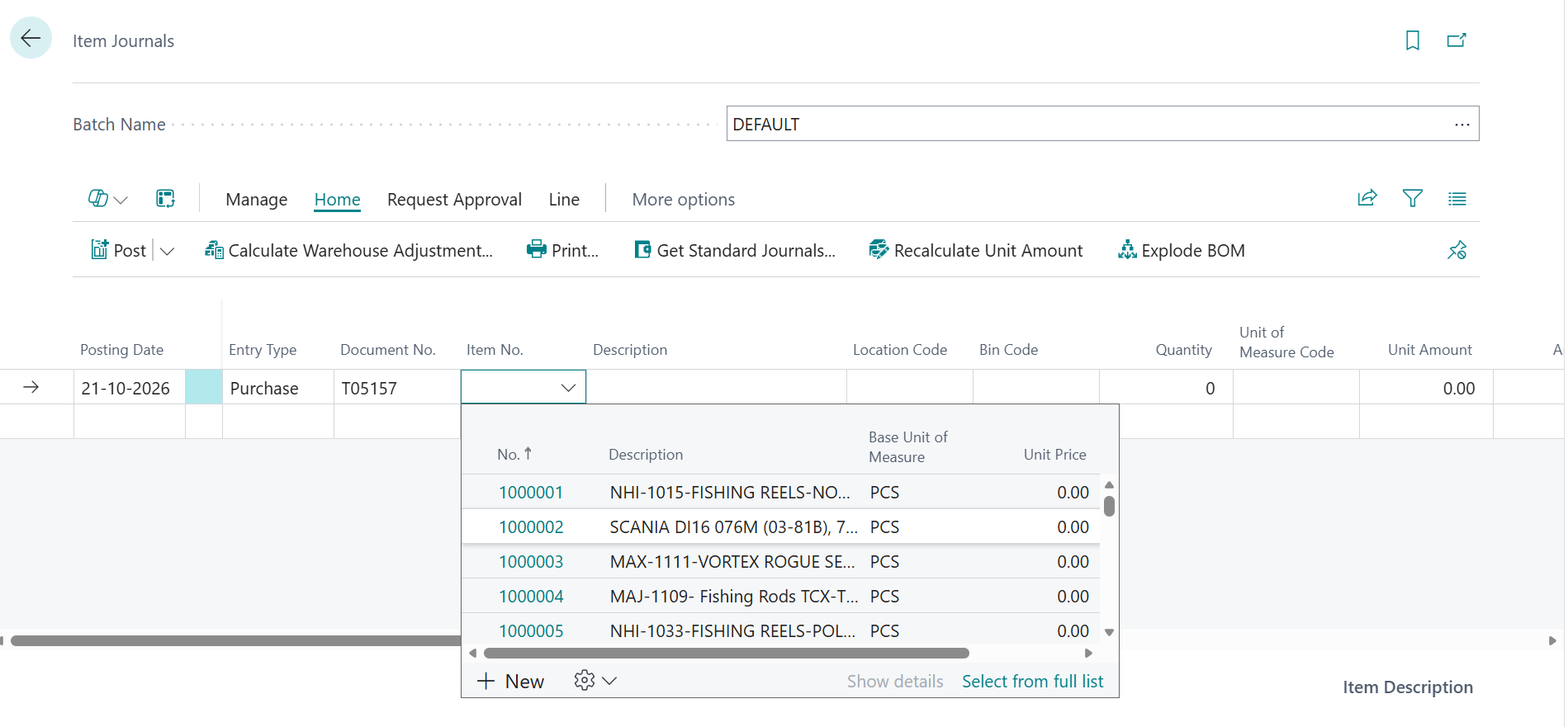
Location-Based Item Based Visibility in Business Central for a Maldives-Based Marine Services Firm

Why Business Central Rejects API Data: Understanding Validation Errors and Posting Setup
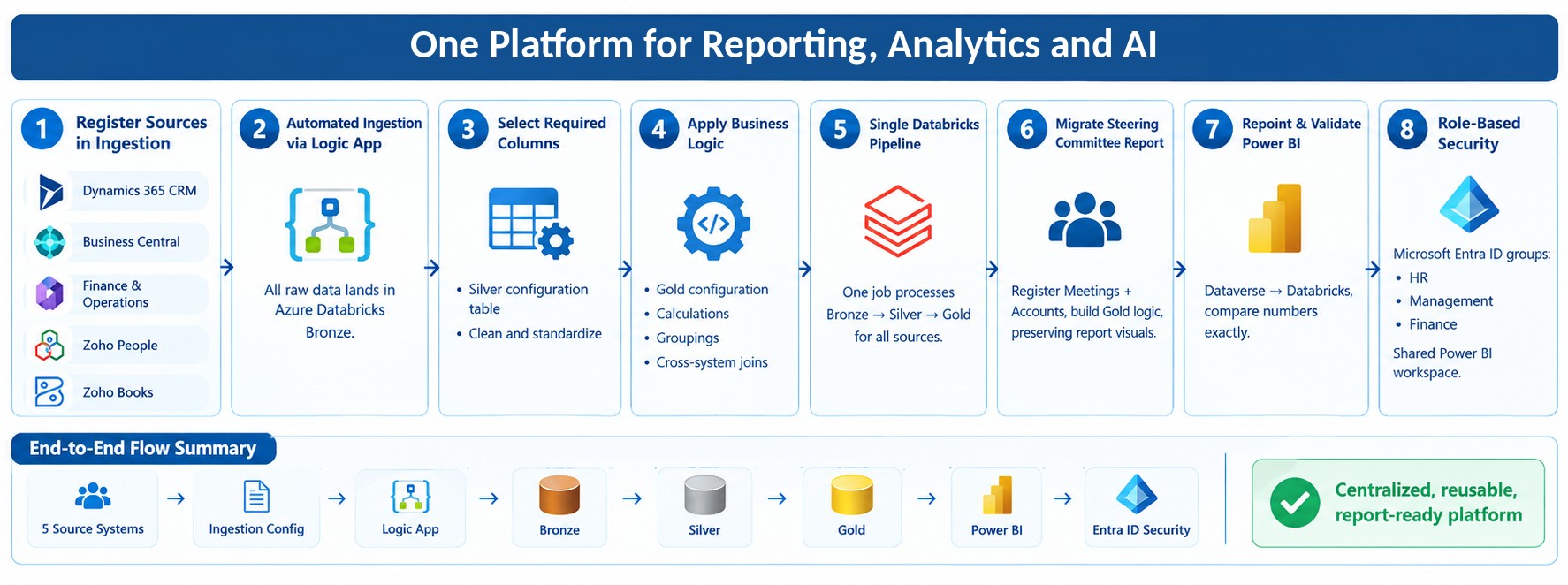
From Multiple Data Sources to Azure Databricks: A Zero-Downtime Power BI Migration for Future AI Rea...
