New Email capabilities in Unified Interface – D365 v9
Overview:
After much wait, the new Email feature in the Unified Interface is finally here. So this blog is about what all the new Email functionality can do in the Unified Interface.
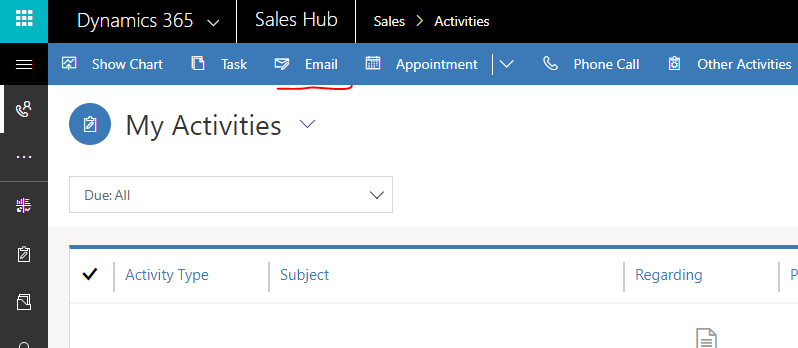
This feature is only for the Unified Interface. Now, you can see the Email button appearing on the ribbon.
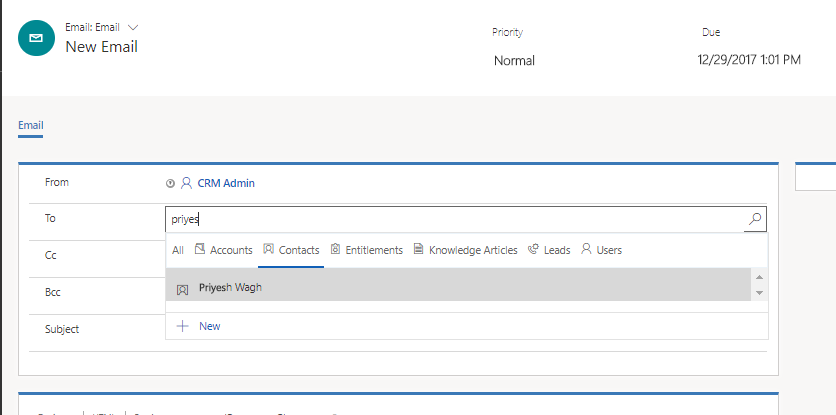
In the To field, you can select the record type in more intuitive way without having to load the Lookup view.
Rich Text Editing:
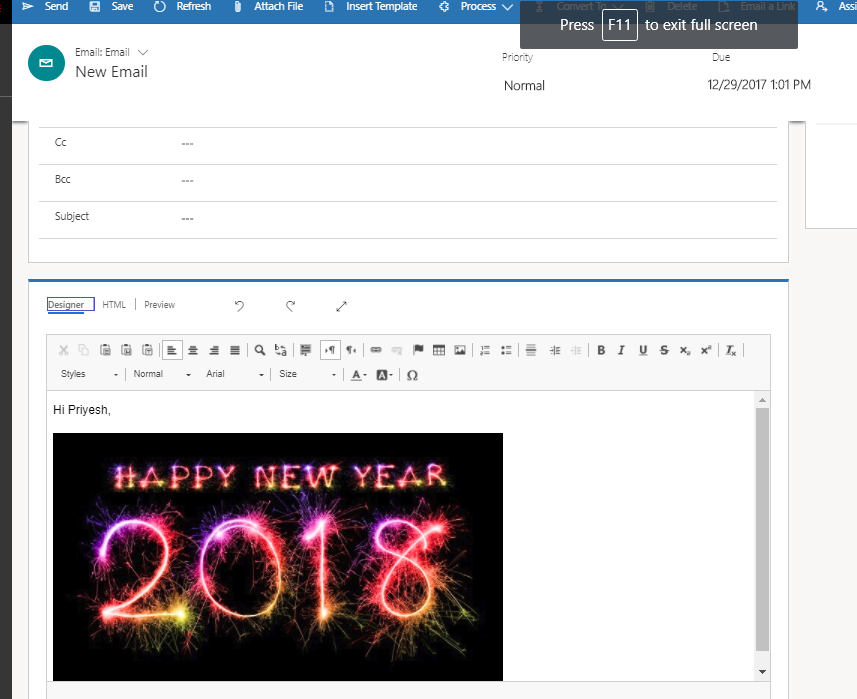
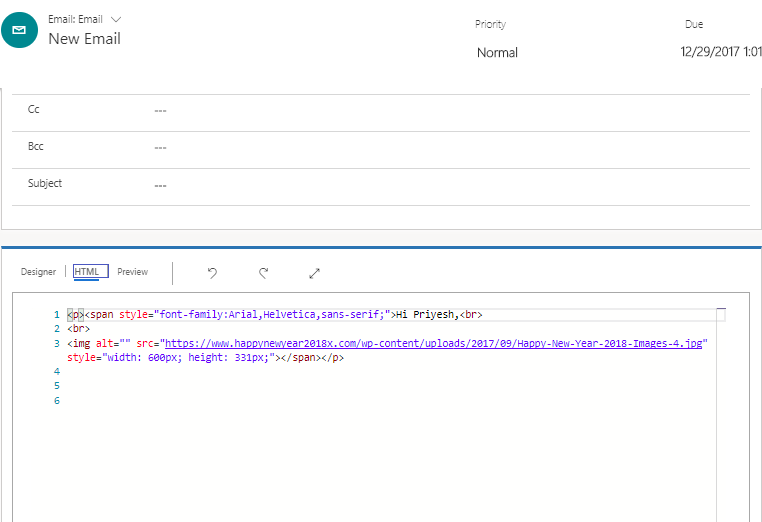
Now, the new Unified Interface offers Rich Text Editing capabilities wherein you can add new media to your email body.
HTML Preview:
Even you get to see the HTML preview of your email
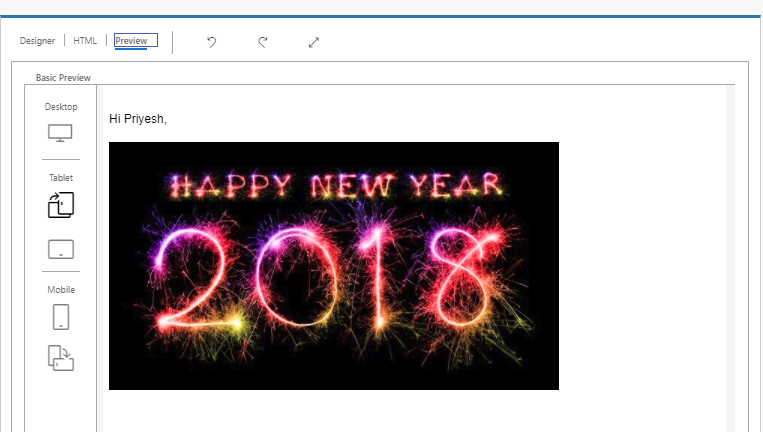
Preview of the Email
You’d definitely want to see what goes out before sending the email out. You can also preview the final email before sending the same.
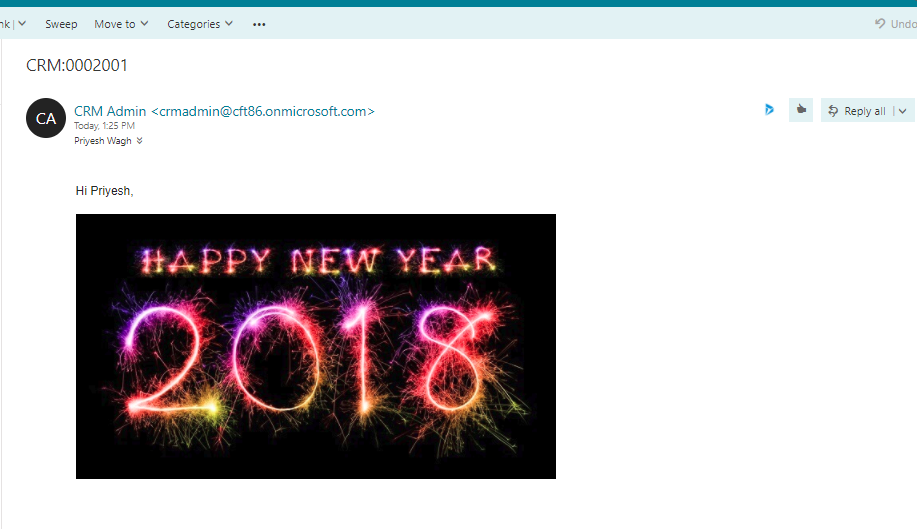
Email:
And this is how it looks when received by the recipient
Hope this helps to a great start in email editing in D365!
Related posts:

From Client Secrets to Certificate-Based Authentication: Building a Secure Integration with Azure Ke...

From Multiple Data Sources to Azure Databricks: A Zero-Downtime Power BI Report Data Migration for F...
Using AI for Data Discipline That Drives Better AI Outcomes