Register an application entity in Azure Active Directory
The following steps are to be followed to register an application entity in Azure Active Directory:-
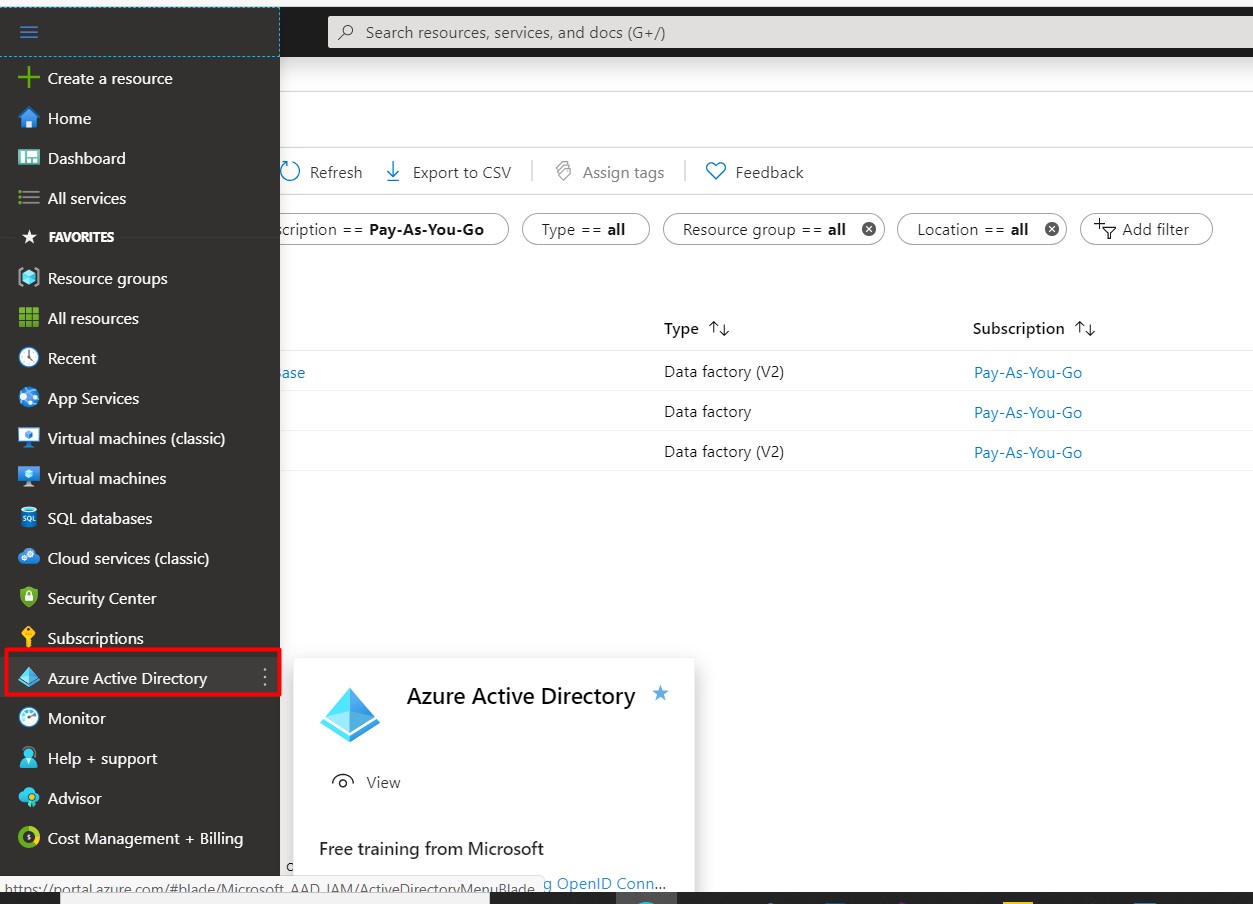
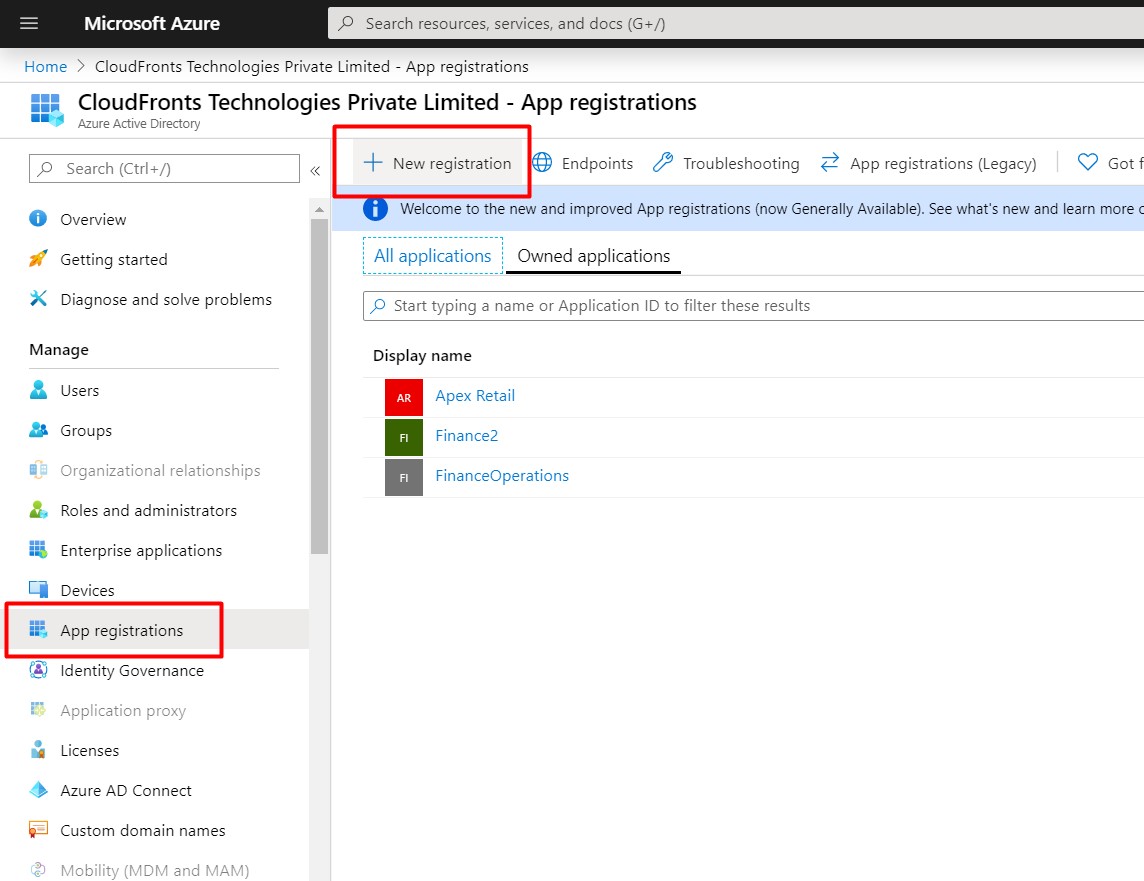
- Go to Azure Active Directory and Click on App Registrations.
- Click on New Registration, Enter a name and the Redirect URL and click Register.
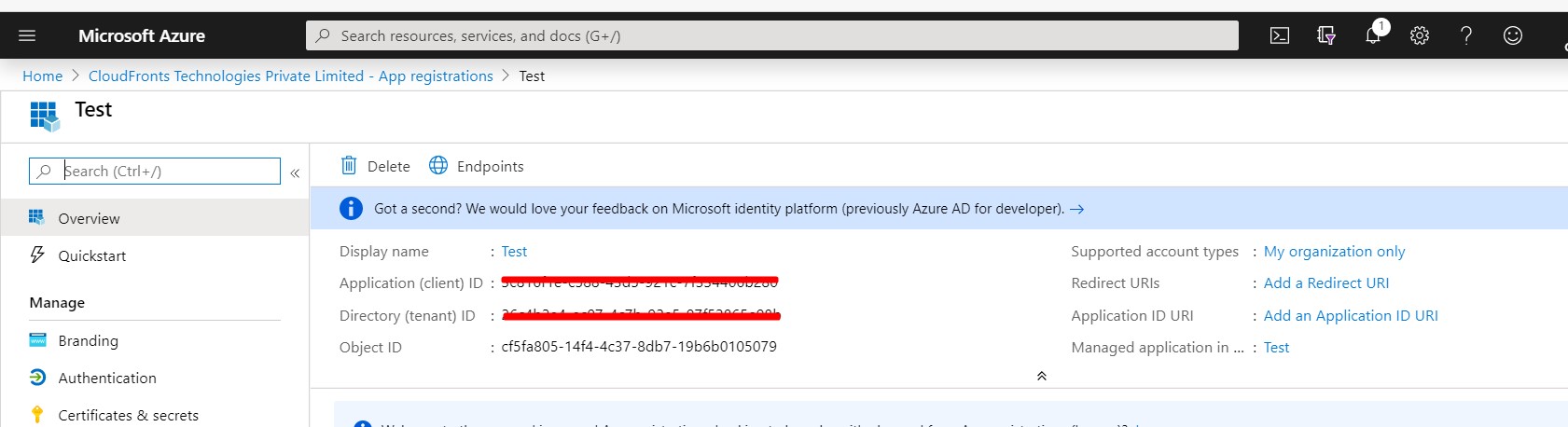
- Copy and save the Application(client) ID and Tenant ID in a text file.
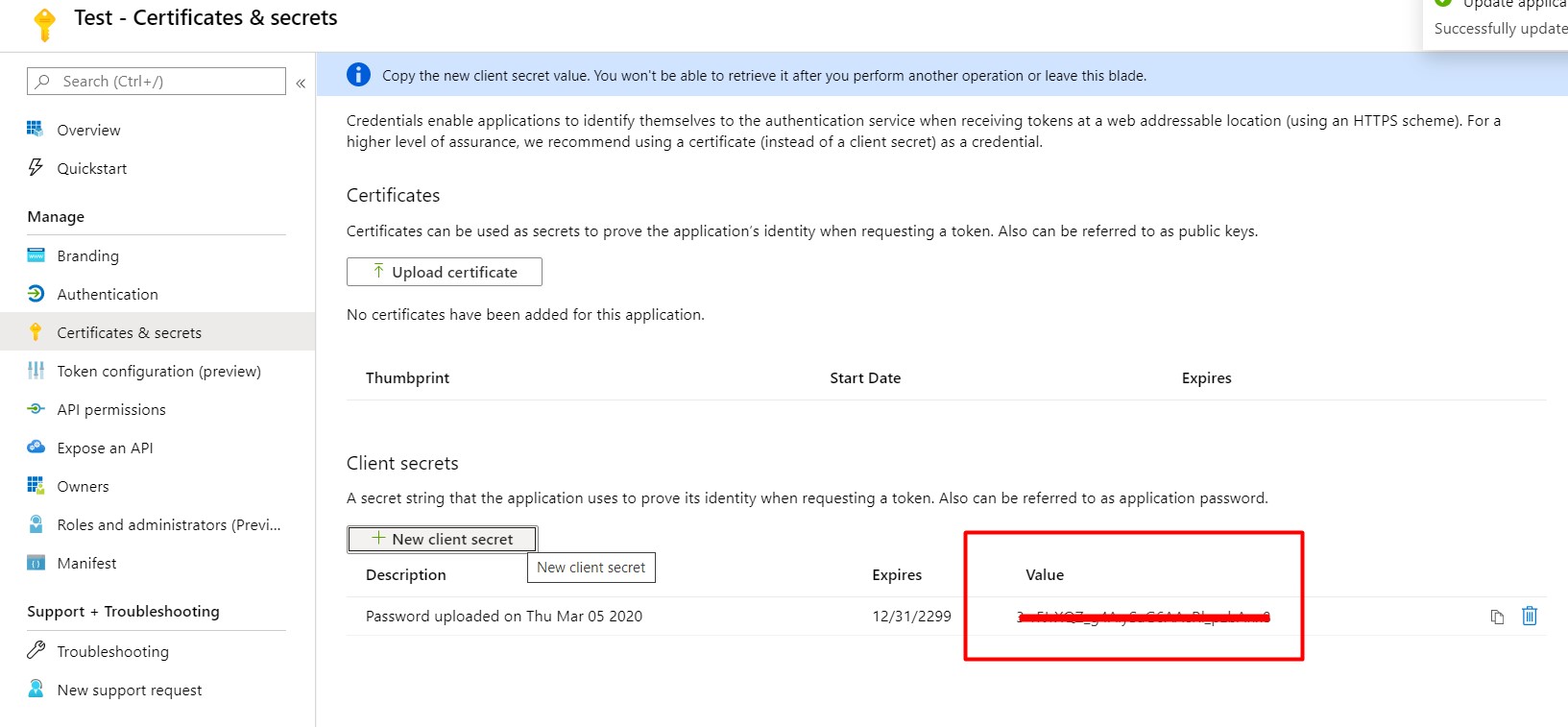
- Generate a key for the Client ID from Certificate & secrets section.Go to Certificate & secrets and click + New Client Secret.