Currency Field representation options in Dynamics 365
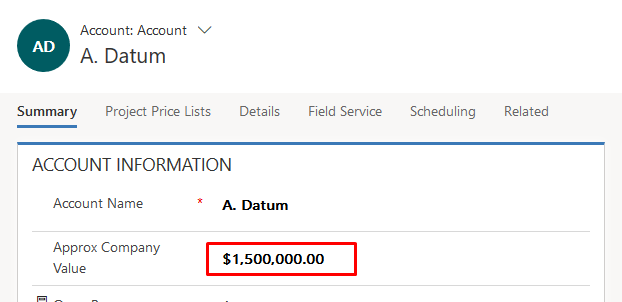
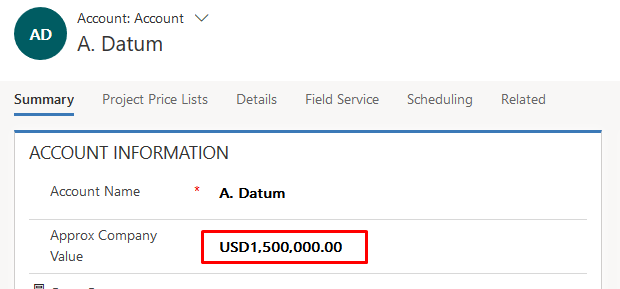
In D365 CE Apps, you have 2 options to display the currency fields, by symbol or by the currency code.
Symbolic representation
Currency Code representation
Setting
With a simple setting, you can apply this change organization wide. Navigate to Settings > Administration > System Settings and under General tab, look for Set the currency display option.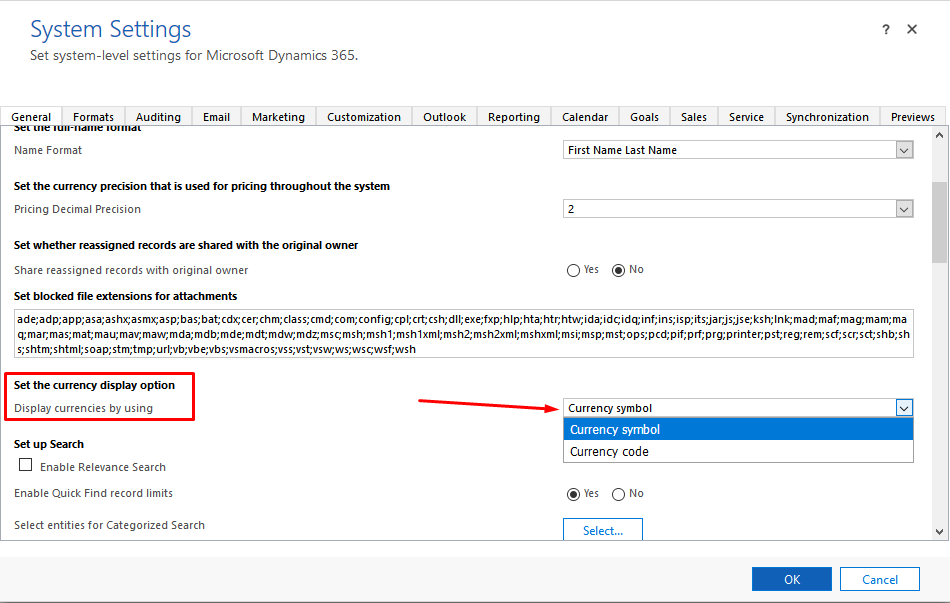
Pretty simple! 🙂
Related posts:

From Client Secrets to Certificate-Based Authentication: Building a Secure Integration with Azure Ke...

From Multiple Data Sources to Azure Databricks: A Zero-Downtime Power BI Report Data Migration for F...
Using AI for Data Discipline That Drives Better AI Outcomes