
Hide Custom Button on Create Form in D365
Introduction:
This blog explains how to hide custom buttons on create form in D365.
Problem Statement:
We often get requirement from Client to hide custom buttons on Create record and to be shown on updating of record.
Solution:
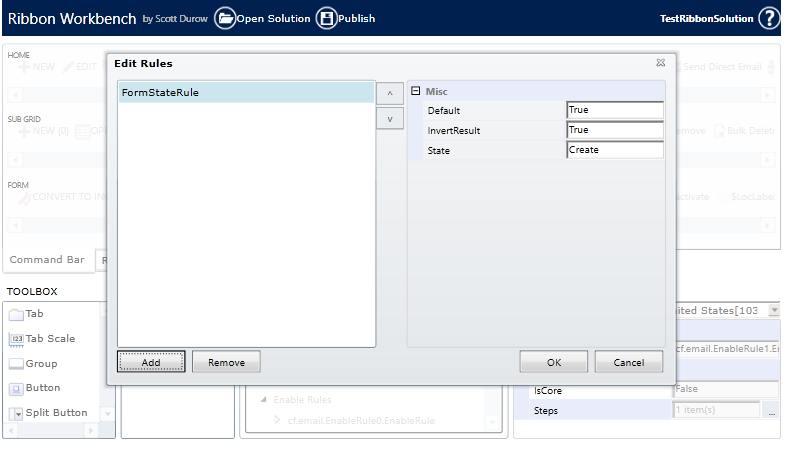
We can achieve this functionality by having ribbon Customization with Enable Rules using FormStateRule.
Steps of Implementation:
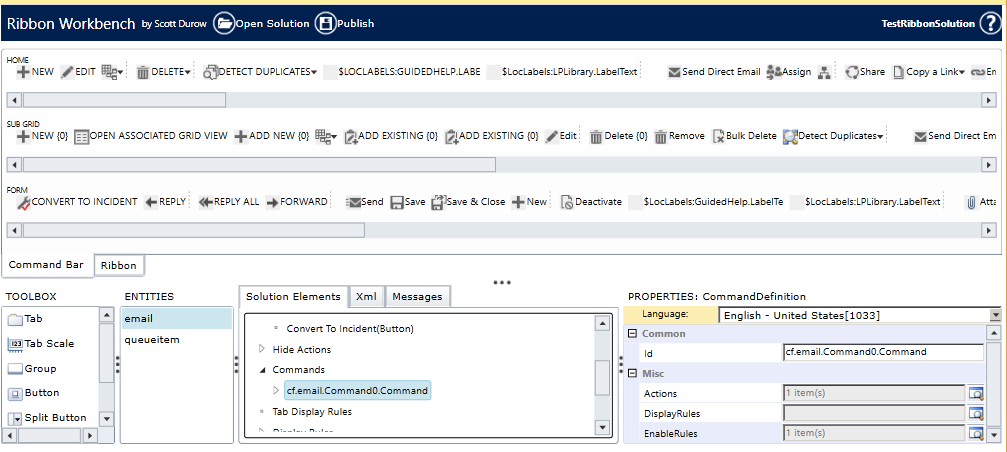
1. Create a new Command.

2. Create a new Enable Rule.
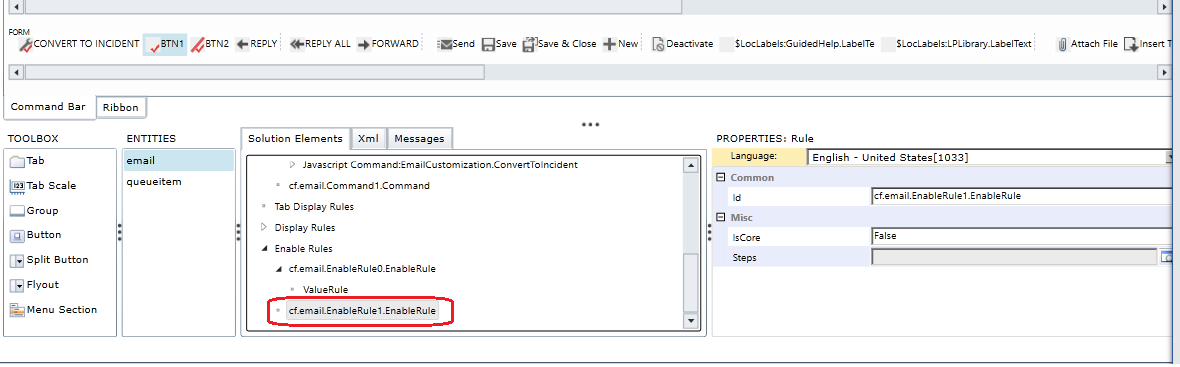
3. Create a new FormStateRule.
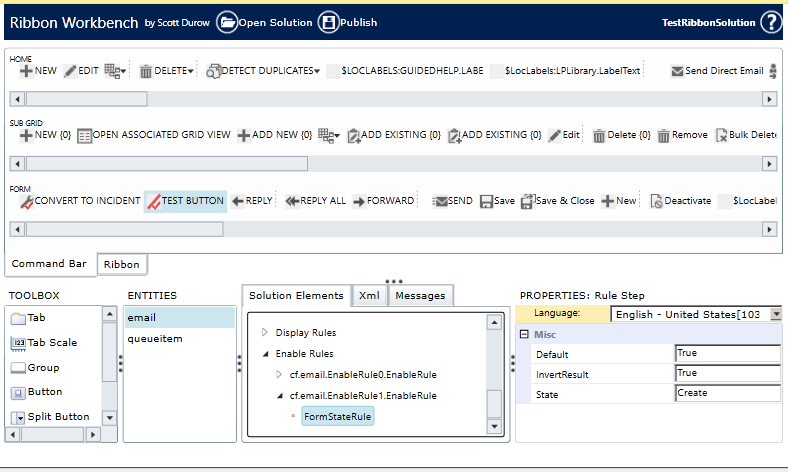
4. Set Enable Rule on Command.
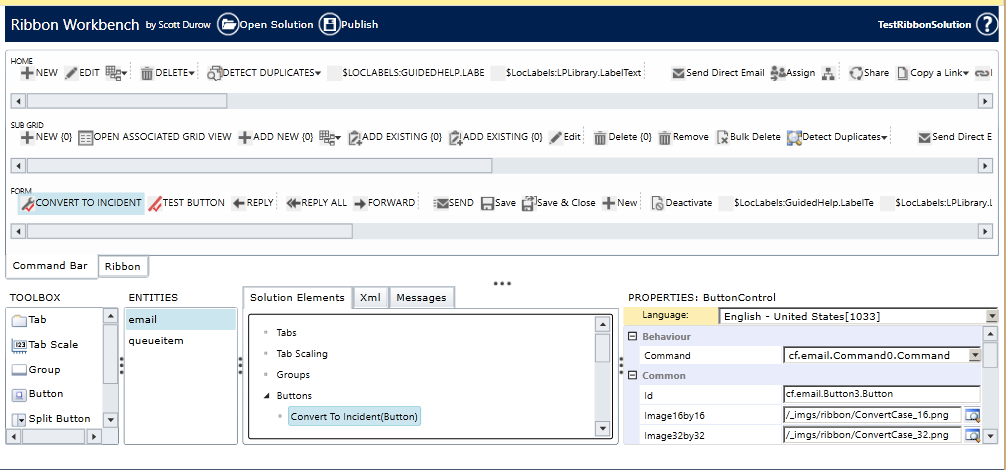
5. Set Command on Button.
Conclusion:
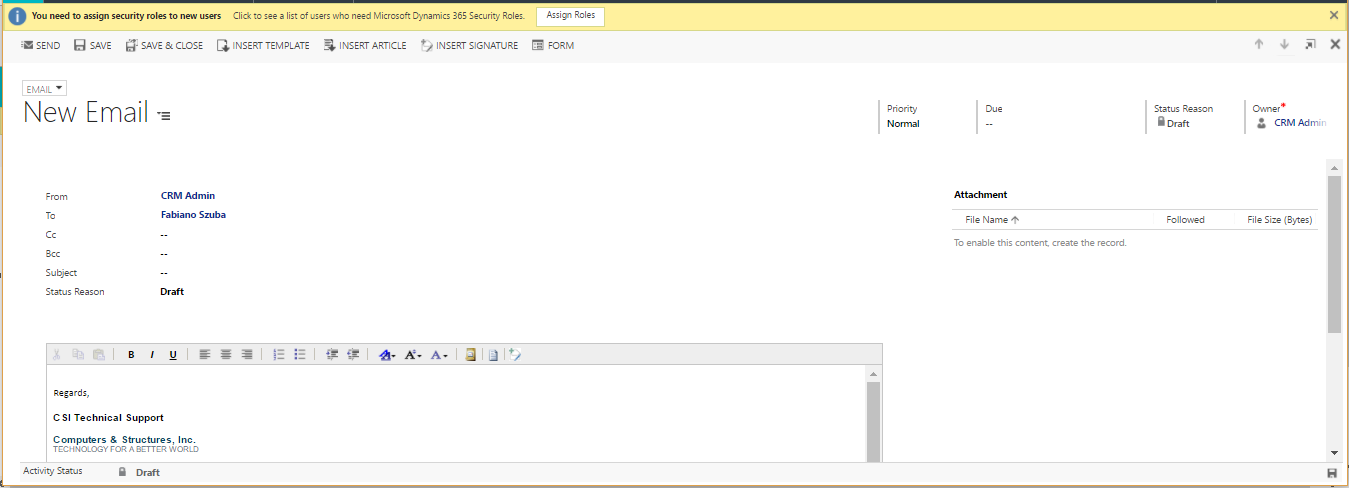
Below image confirms button is hidden on Create Record and it is shown on Update Record.
Create Record:
Update Record:

Related posts:
Engineer-to-Order with Dynamics 365: How Project Operations Handles Planning and Business Central Ma...
Dynamics 365 SharePoint Integration: How to Display SharePoint Documents in a Custom Page Using Thre...
How a Leading North American Commercial Vehicle Manufacturer Surfaced Custom Warehouse Data on the W...