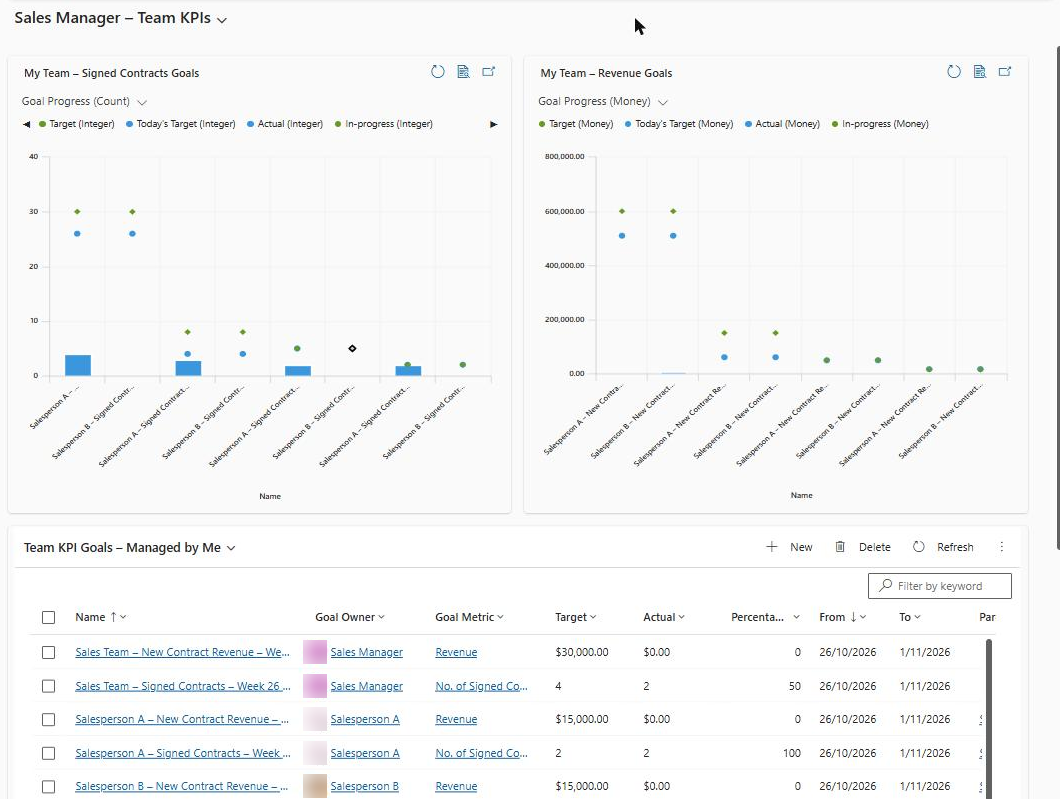

Choose which All Records To Create While Qualifying Lead
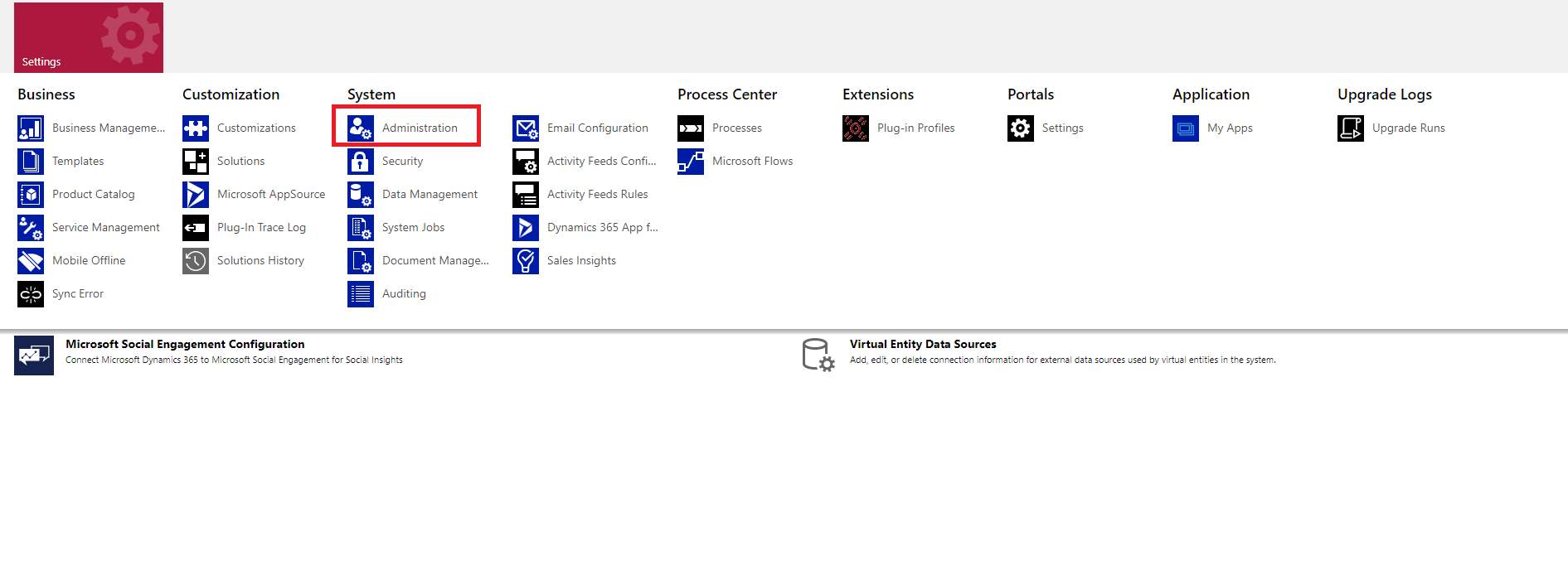
- Go to Admin settings
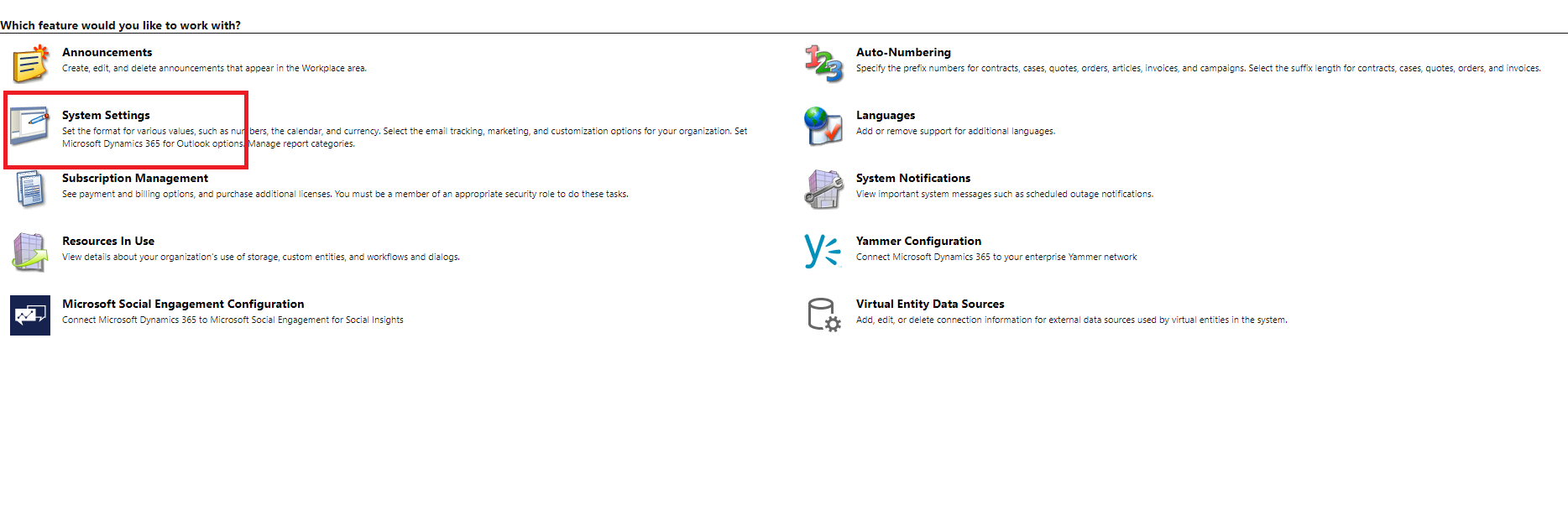
- Click on system setting
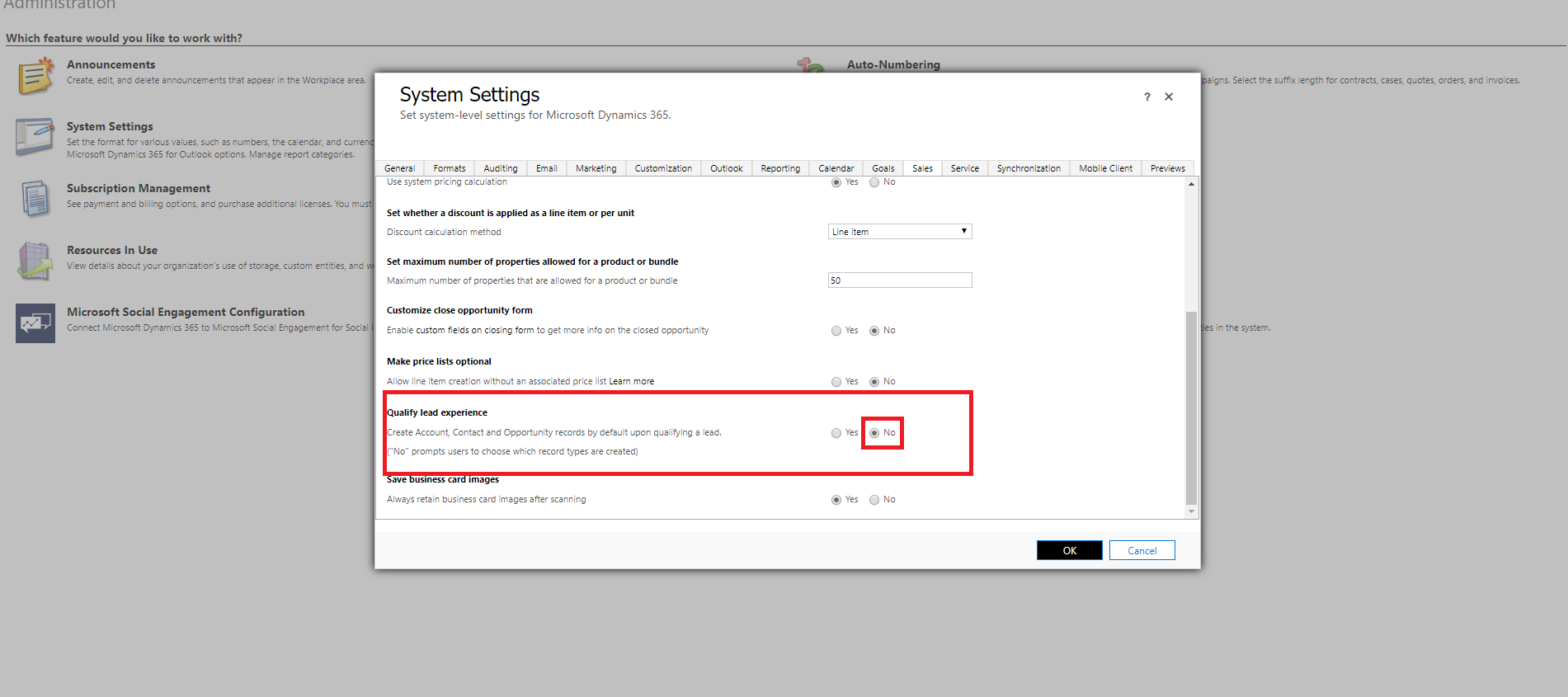
- After clicking on System settings, a popup opens, click sales tab as shown below.
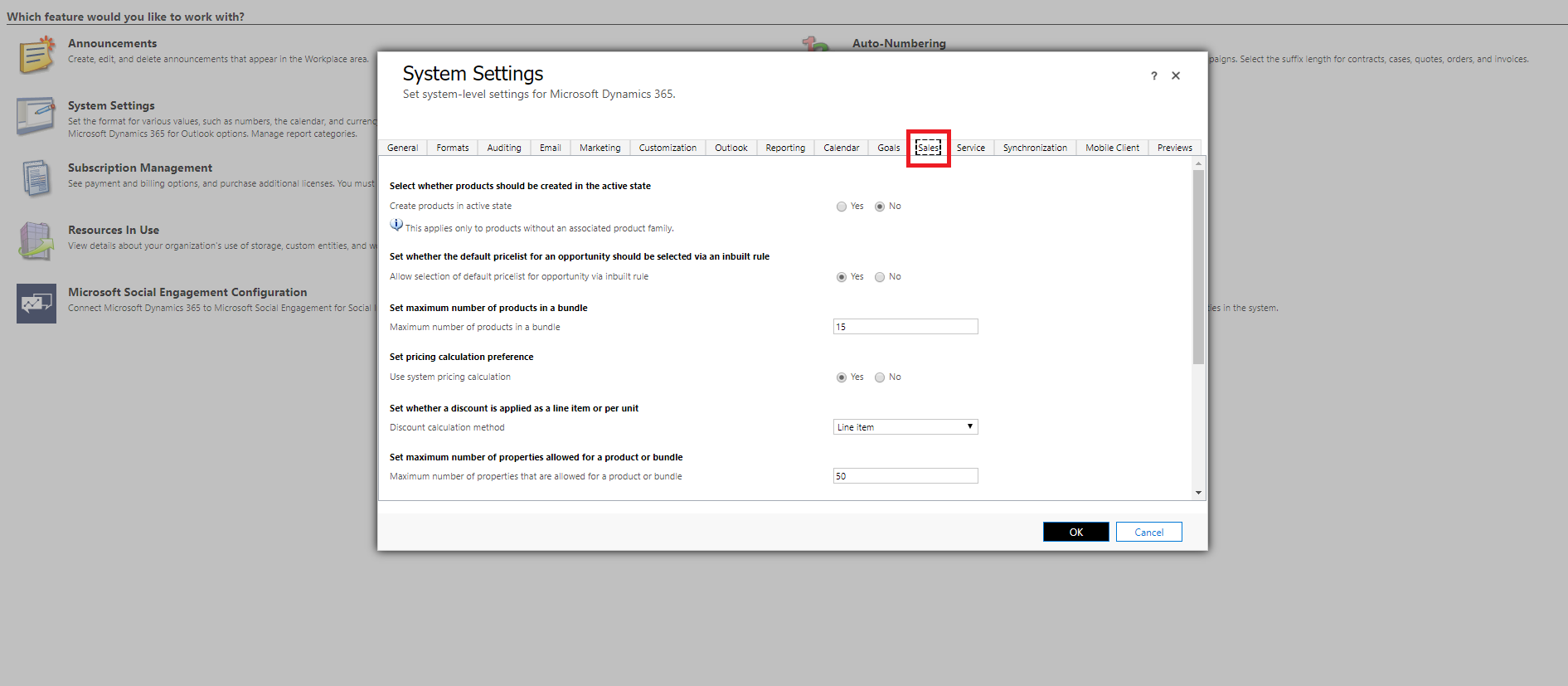
- Now, select no for Qualified lead experience refer below image.
Related posts:
Engineer-to-Order with Project Operations Core: Planning in Project Operations, Executing in Busines...
Show SharePoint Documents in a Custom Dynamics 365 Page With Three Web API Calls
How a Leading North American Commercial Vehicle Manufacturer Surfaced Custom Warehouse Data on the W...