

Contract Invoice Schedule Status Change on Invoice Actions
Stages of Invoice Schedules are changed behind the scenes as you perform actions on the Invoice of the Contract. Let’s see what we have got here –
So, when an Invoice Schedule is Ready for Invoicing, it will be considered in the Invoice you’ll end up creating.

Now, if you create the Invoice for that Contract (shown below)

The status now changes to Customer invoice created.

And, when you mark that Invoice as Confirm, shown below –

The Invoice schedule record’s Invoice Status will be changed to ‘Customer invoice posted’

Pretty straight forward!
Related posts:

D365 CRM - Generating Emails using JavaScript via user actions for US based Azure & AI services ...
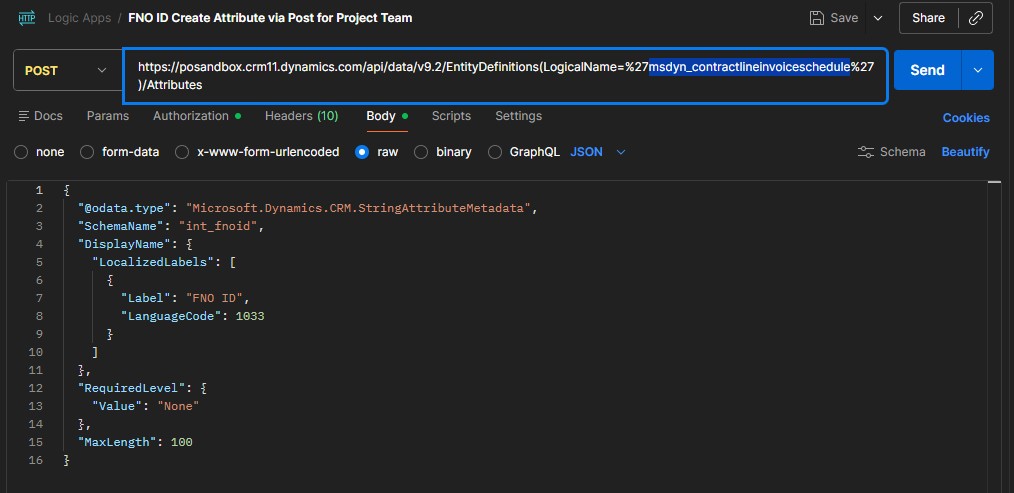
Automating Attribute creation in D365 Project Operations, Using Dataverse OData Metadata APIs for an...
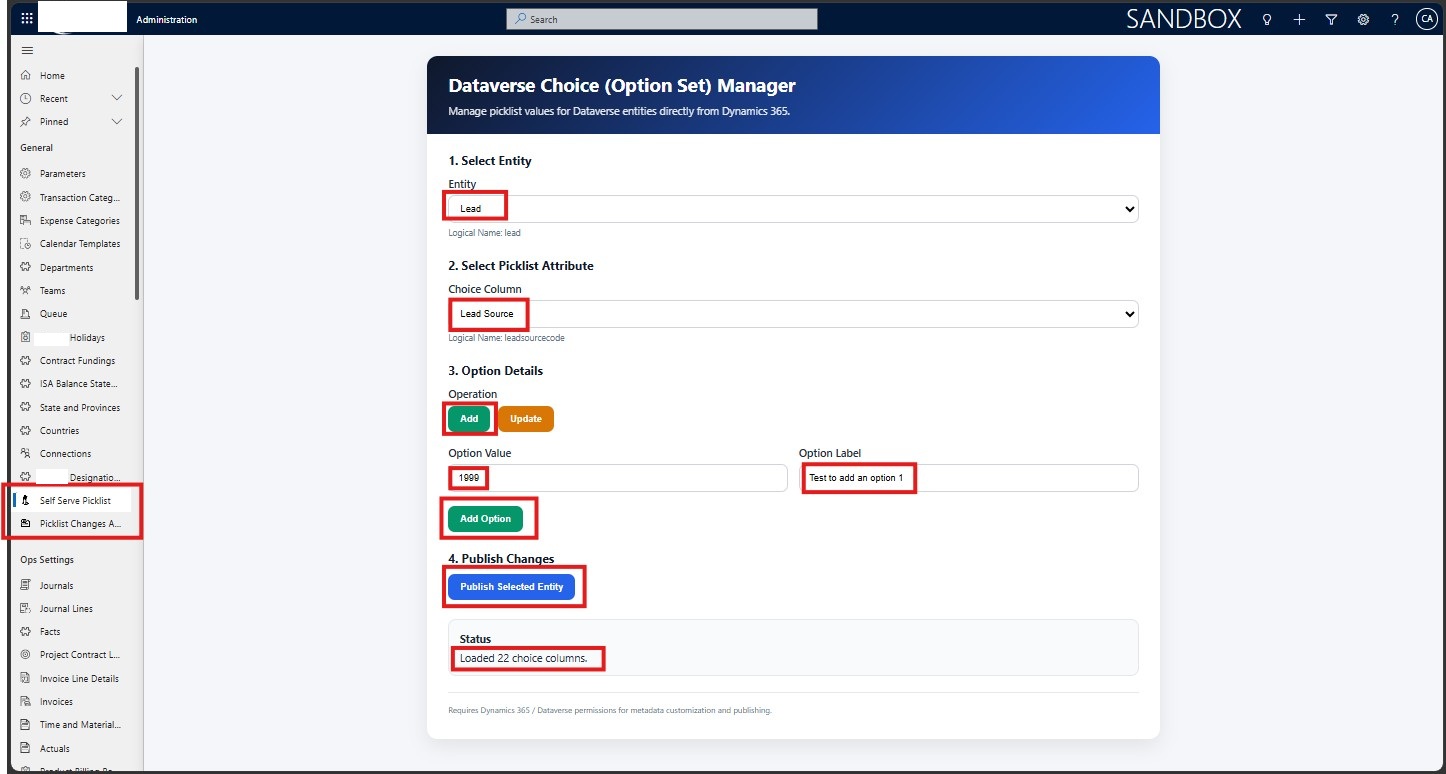
How a Texas-Based AI and Cybersecurity Services Company Streamlined Dataverse Choice Management in D...