
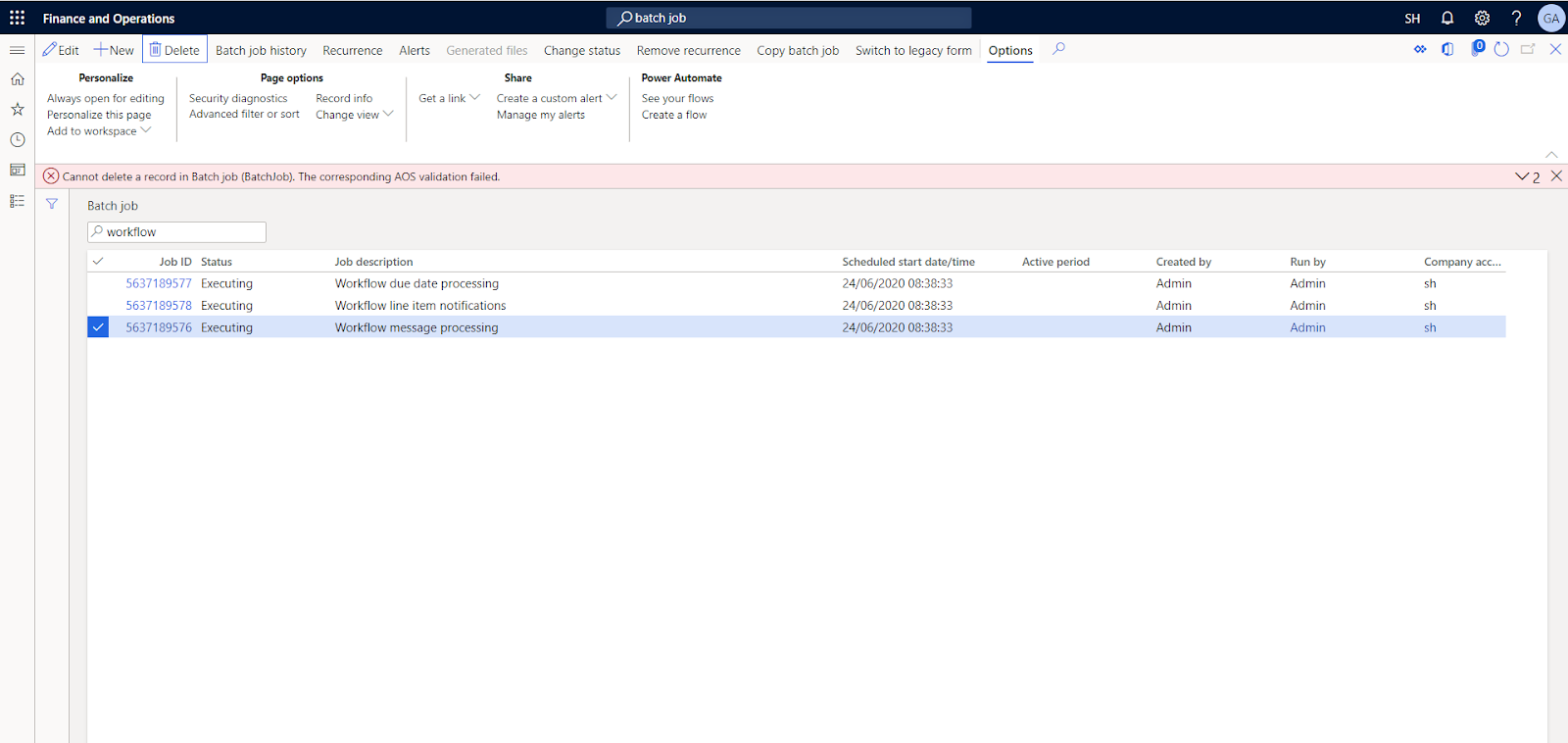
“Cannot delete a record in batch job(BatchJob). The corresponding AOS validation failed “while deleting batch job
while you want to delete batch job in Finance and operation you may have faced error as follows
“Cannot delete a record in batch job(BatchJob). The corresponding AOS validation failed”.

This blog will be helpful to resolve this issue, just follow mentioned steps.
“Cannot delete a record in batch job(BatchJob). The corresponding AOS validation failed”.
This blog will be helpful to resolve this issue, just follow mentioned steps.
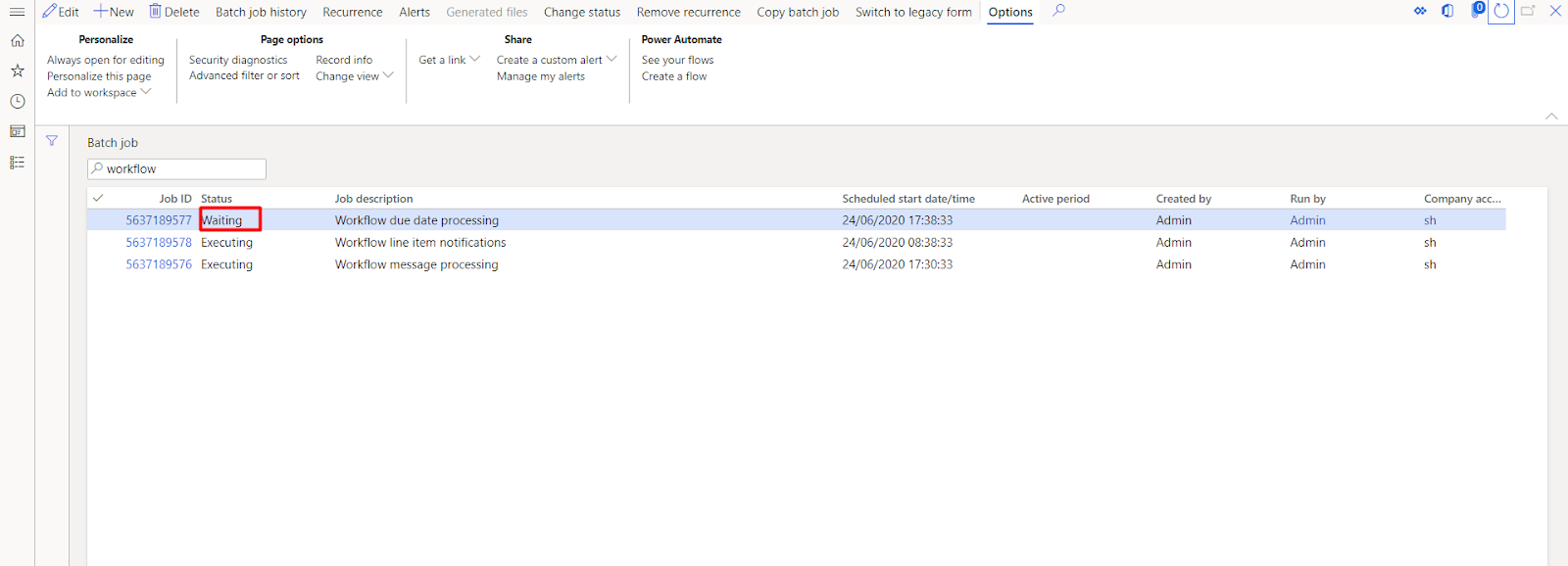
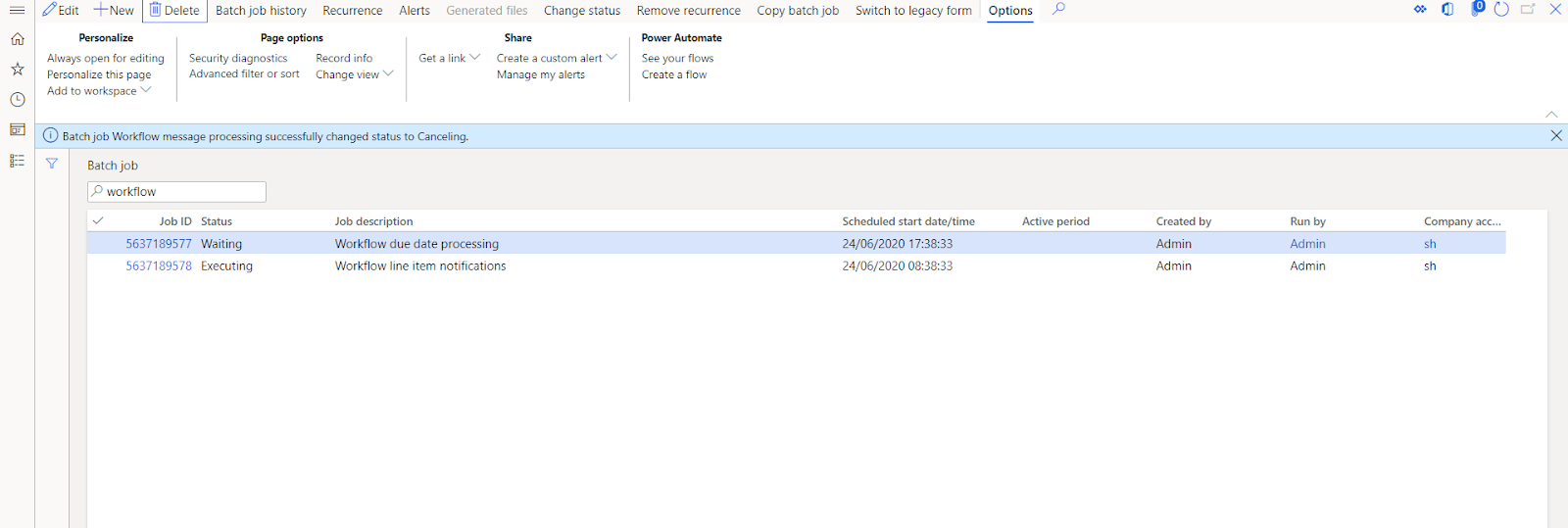
- Go to batch job(system administation >> inquiries >> batch jobs)
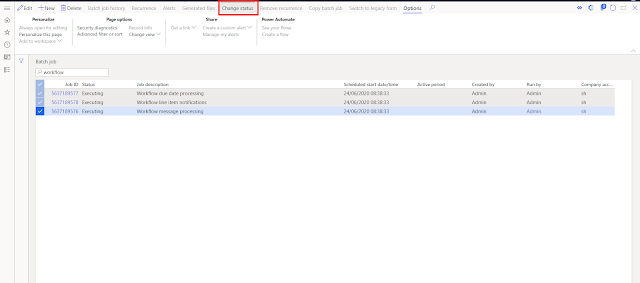
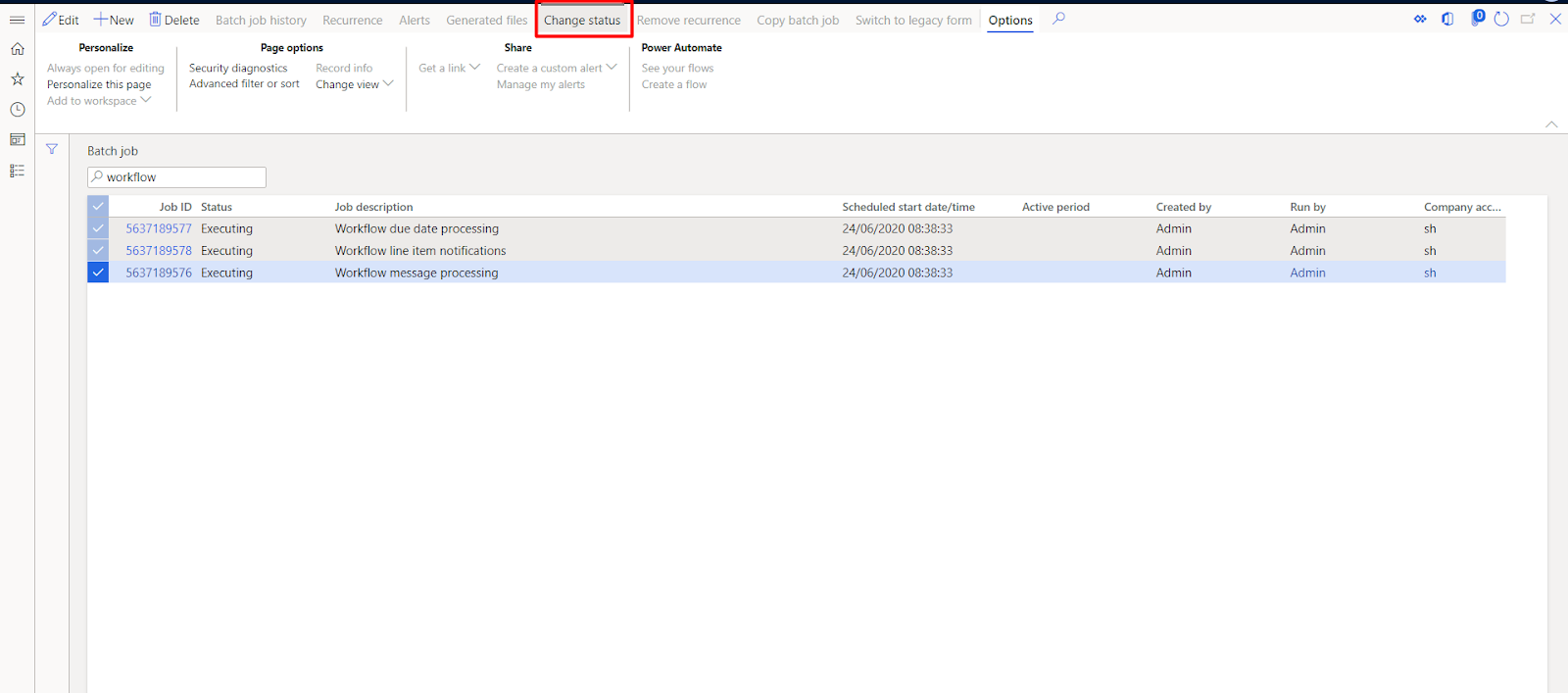
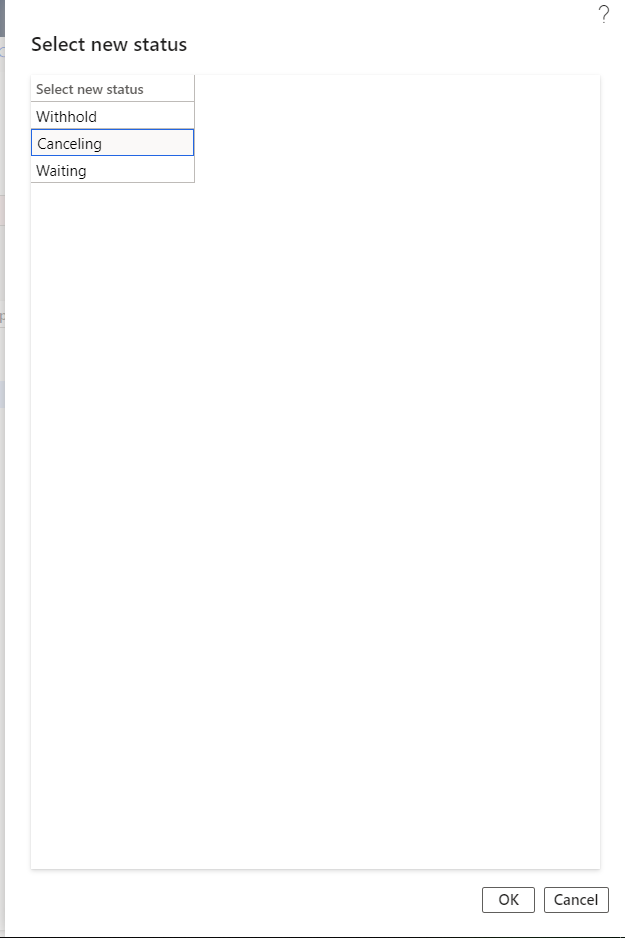
- select batch jobs which you want to delete and press button change status
now change its status to canceling as follows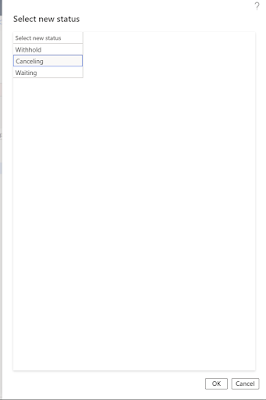
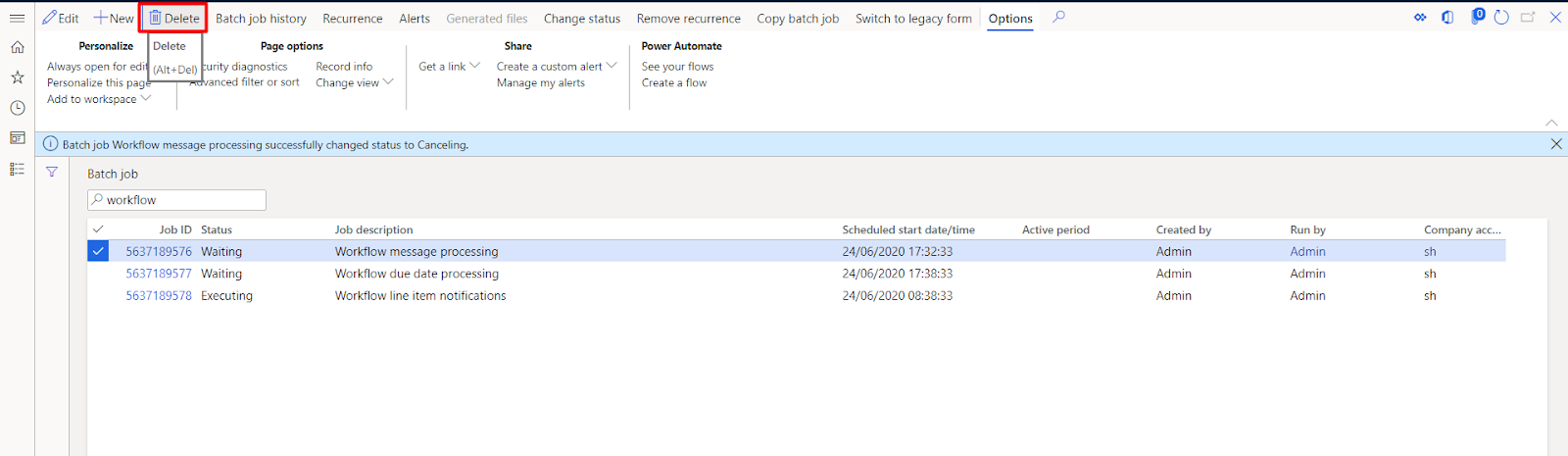
after which jobs status will change to canceling and after that it will automatically change to waiting state
- now try to delete it by pressing delete button.
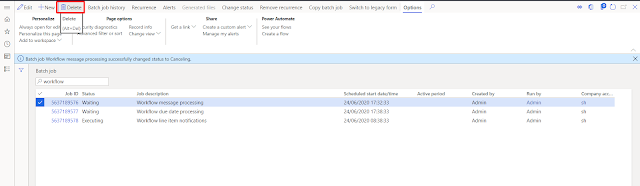
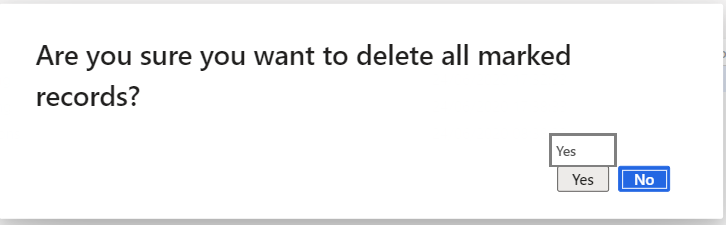
Now select yes to delete record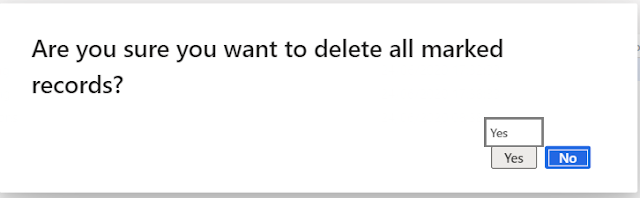
And you have successfully deleted the record.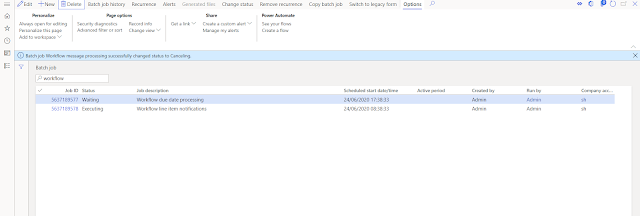
Hope this blog was helpful to you.
Related posts:
How to Extend Dynamics 365 CRM Using Side Panes: A Practical Implementation for a US-Based Kitchen A...

D365 CRM - Generating Emails using JavaScript via user actions for US based Azure & AI services ...
How a Multi-Country Infrastructure Group Evaluated One vs Two Production Environments in Dynamics 36...