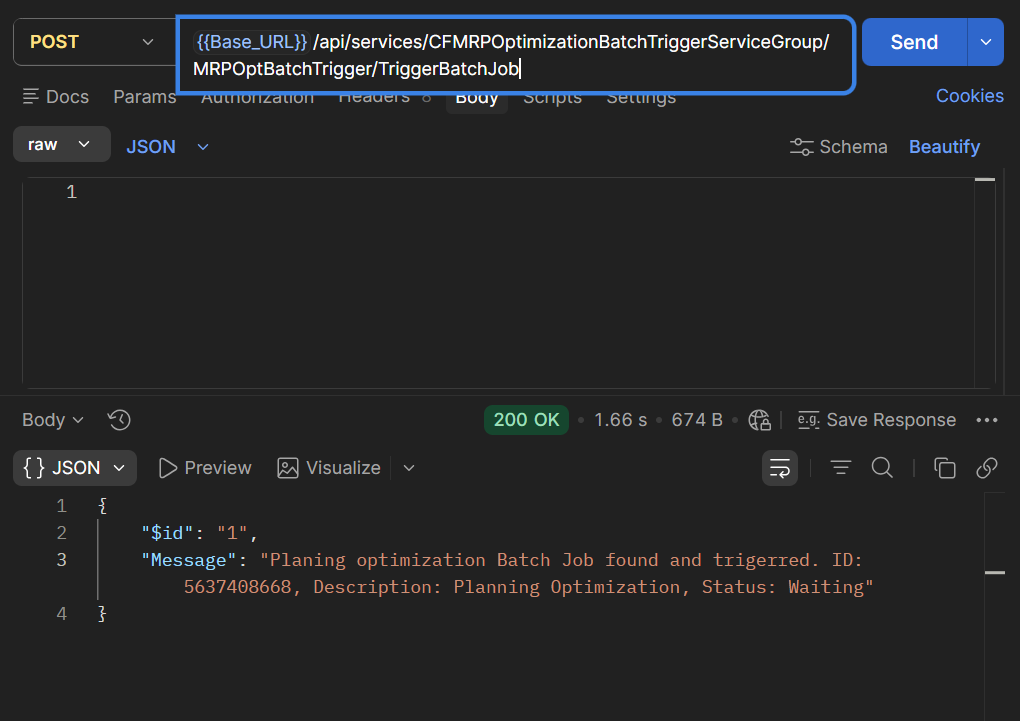
Purchase Order Workflow formatter error in D365 Finance and Operations
Introduction:
In D365 Operations, when we create a workflow for Purchase Order we face a formatter error related to Time zone. This error is caused due to conflict as same time zone specified twice for a legal entity. First for the legal entity and second time for the address. In this blog, I will tell you how to resolve it.
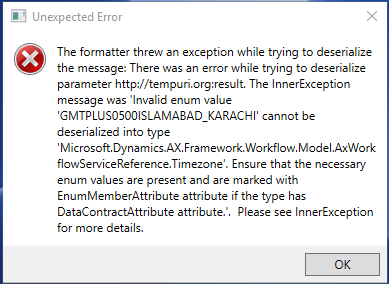
Solution:
- Go to Organization Administration -> Legal Entities
- In Address Tab, select More options -> Advanced
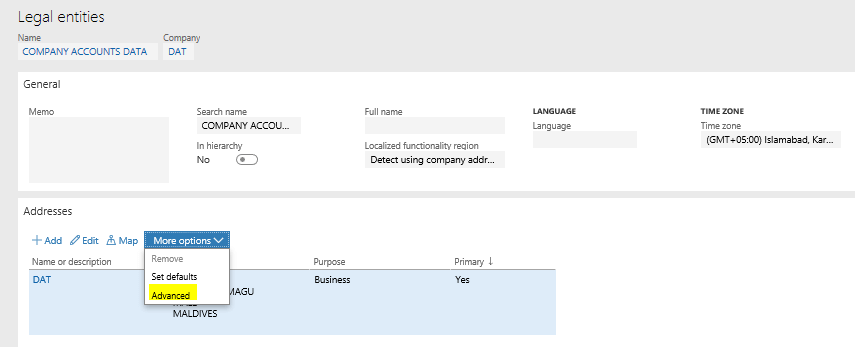
Legal Entity Address option - In General Tab, Edit the Time zone to a different time zone.

Edit Time Zone
Related posts:

From Client Secrets to Certificate-Based Authentication: Building a Secure Integration with Azure Ke...

From Multiple Data Sources to Azure Databricks: A Zero-Downtime Power BI Report Data Migration for F...
Using AI for Data Discipline That Drives Better AI Outcomes