[SOLVED] “The Operation has Timed out” in D365 Portals.
Introduction
In this blog, we will resolve “Operation has timed out” error in D365 Portals.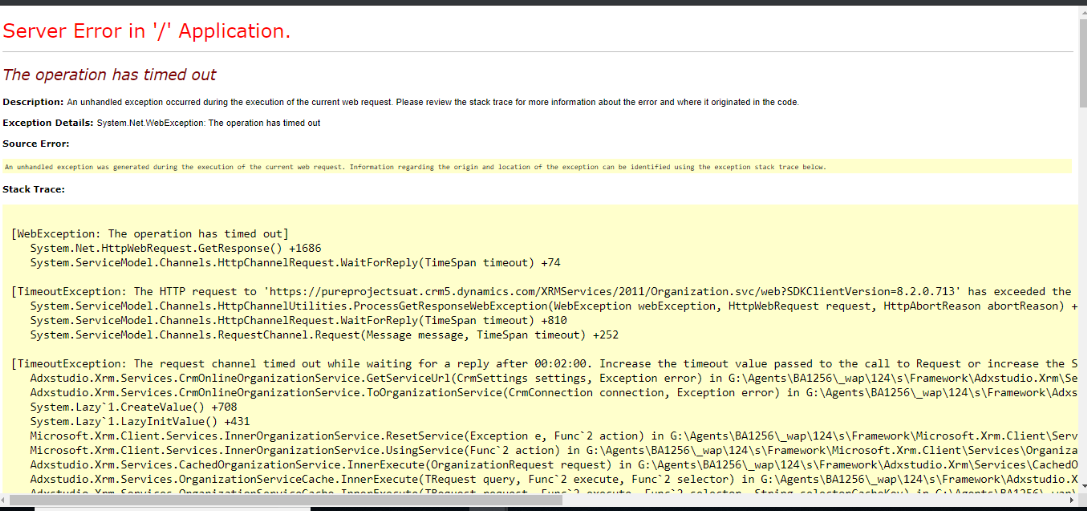
Steps to solve this issue:
Restart your portal by going to the admin center.
Steps to restart the portal:
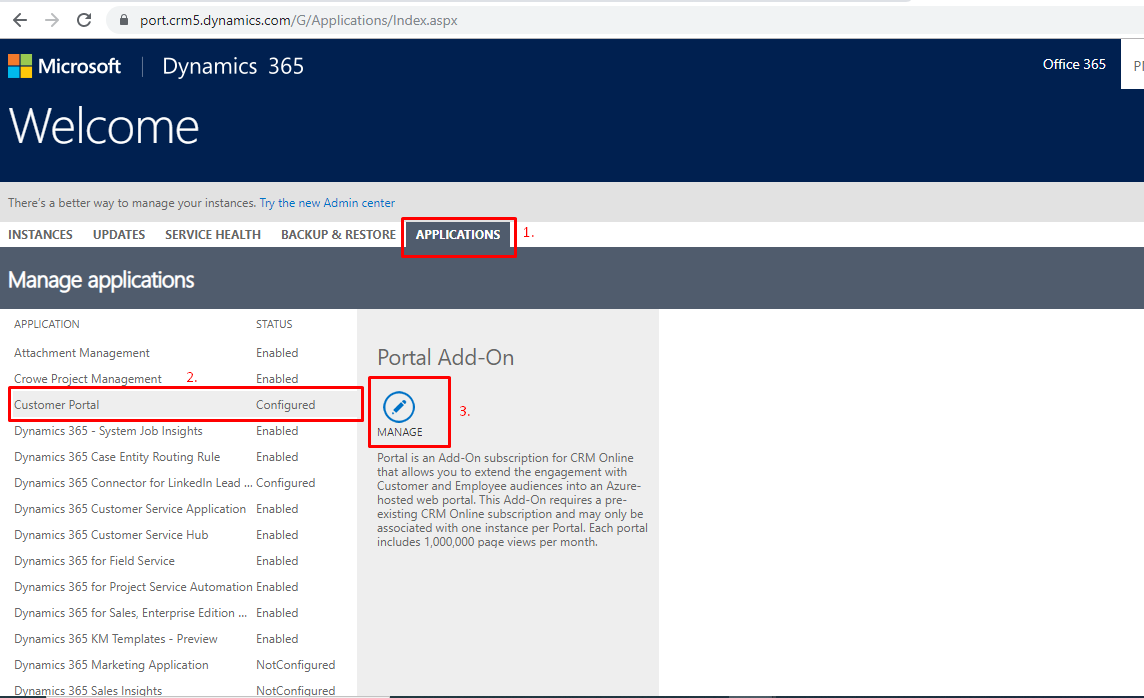
- Go to the Dynamics 365 Administration Center page and select the Applications tab.
- Select the name of the portal, and then select Manage.
- Click on Portal Actions –>Restart.
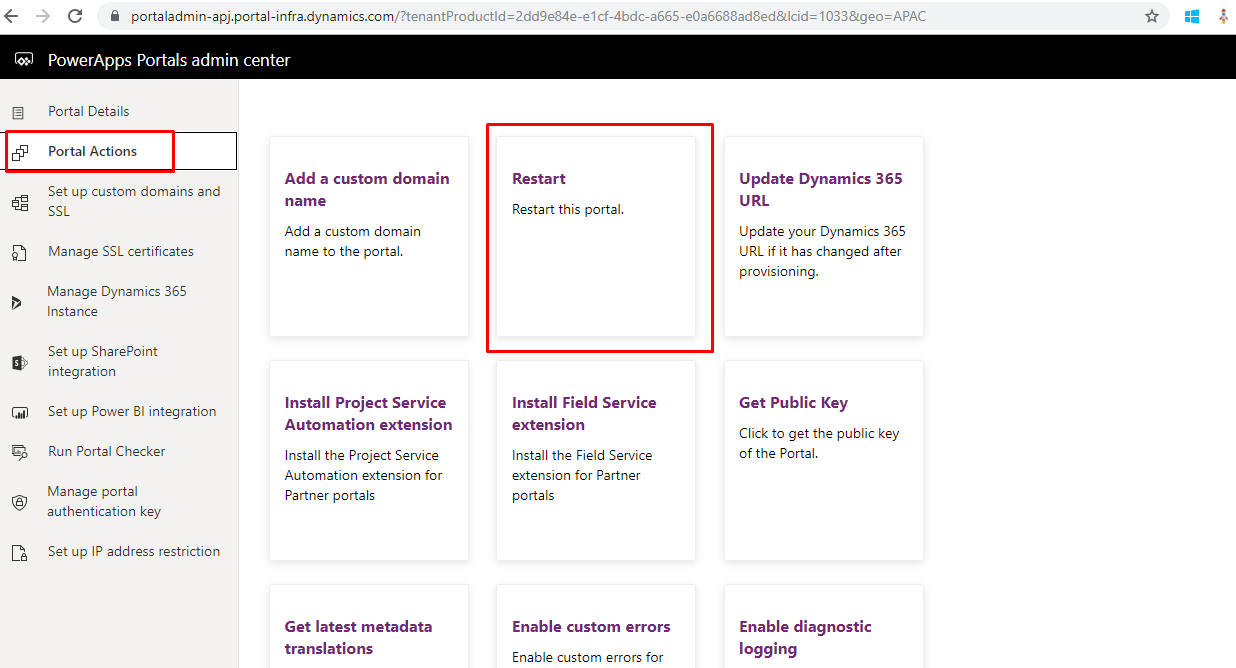
- Click on Restart.
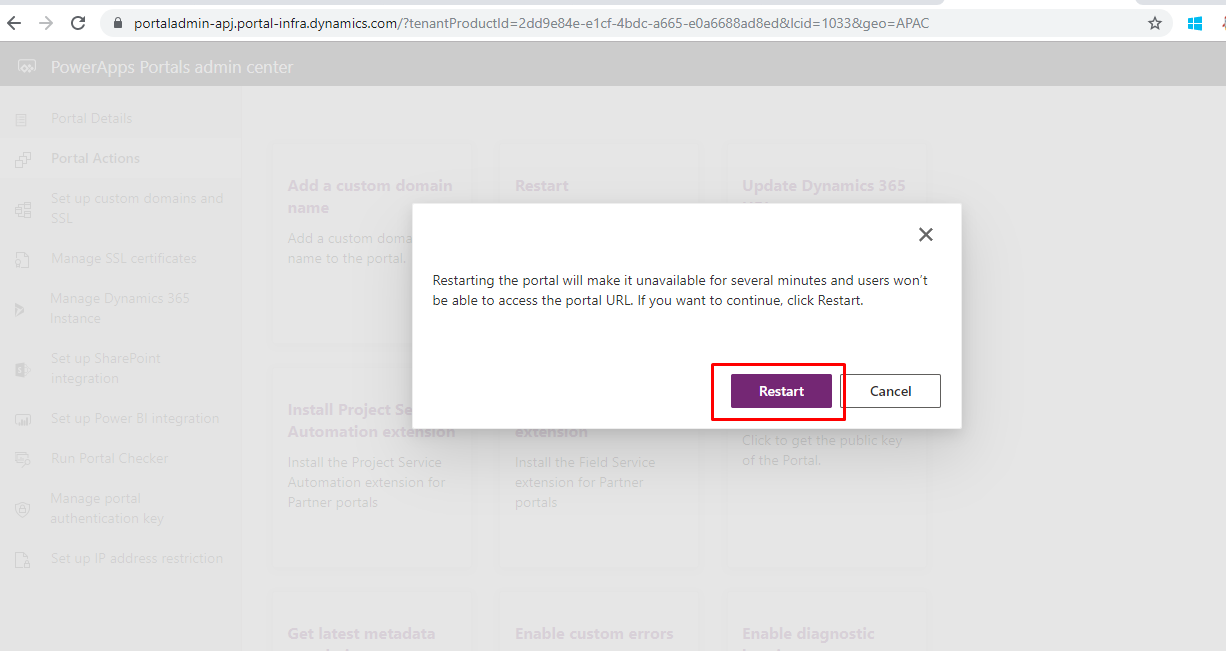
Wait for a few minutes and go back to your portal, it should be working now.
Reference: https://docs.microsoft.com/en-us/dynamics365/portals/portal-faq
Related posts:

Why Business Central Rejects API Data: Understanding Validation Errors and Posting Setup
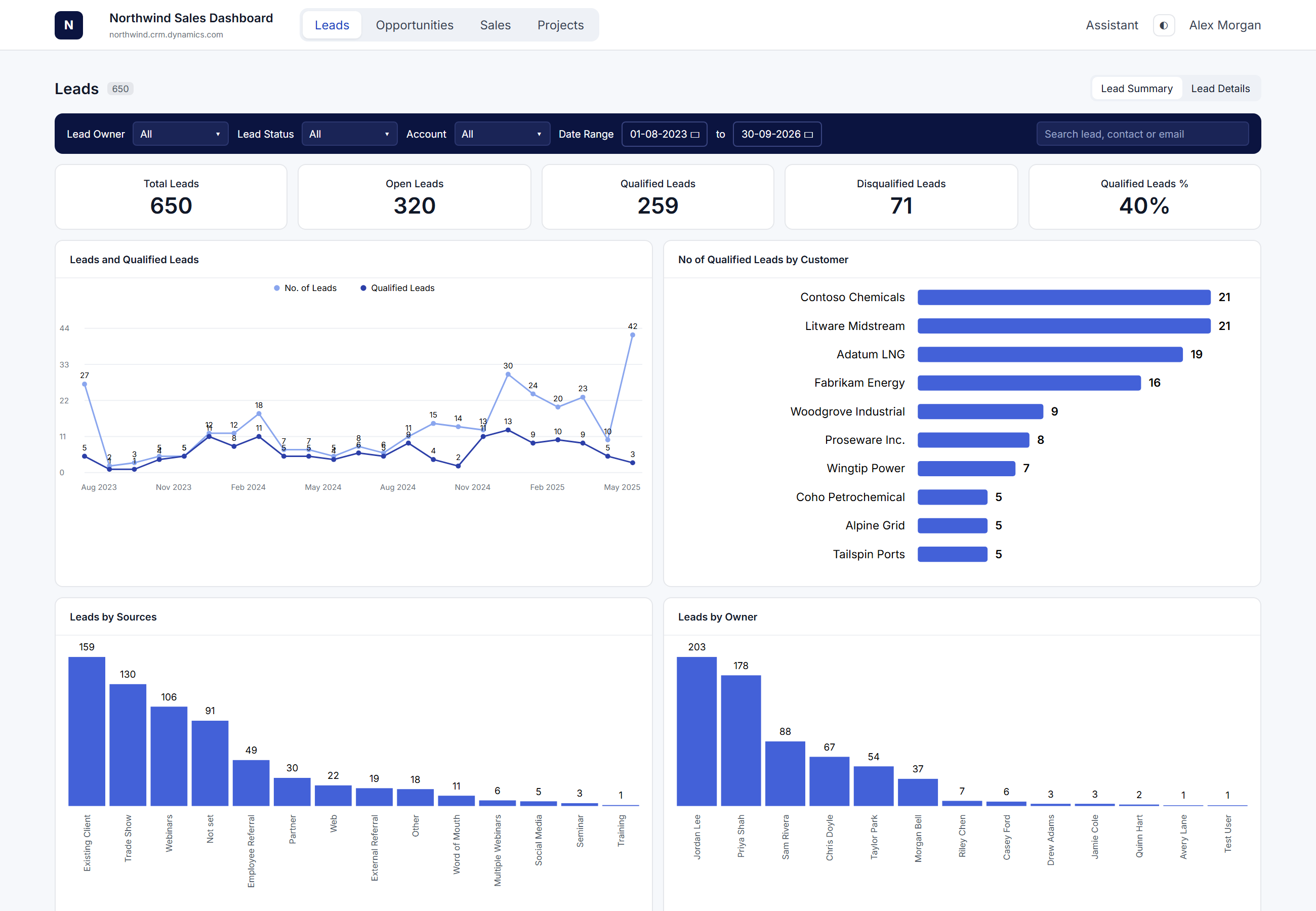
How a U.S. Industrial Cybersecurity Company Built a Custom Sales Portal with Power Apps Code Apps
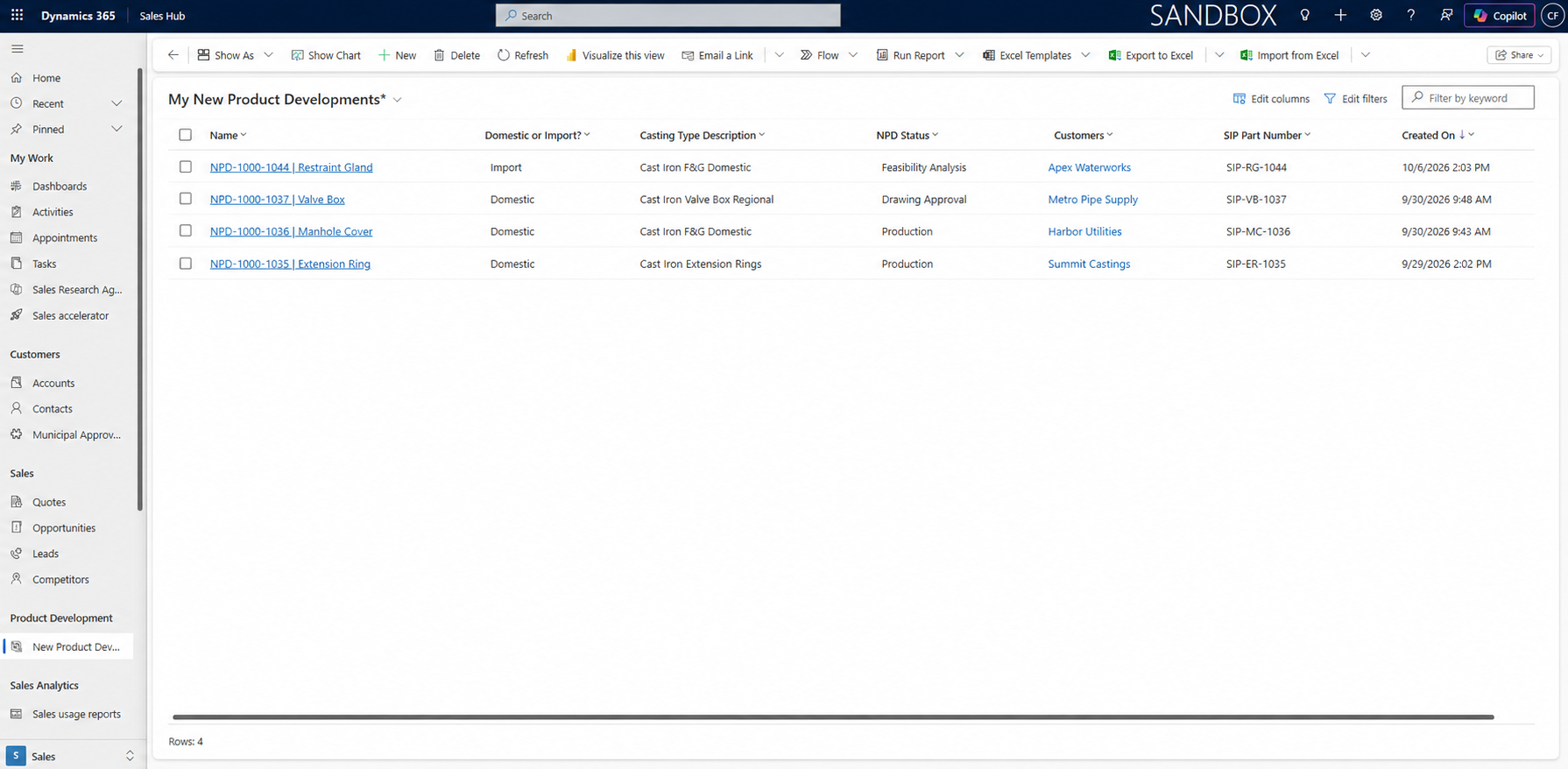
How a U.S. Castings Manufacturer Saved Time by Updating Dynamics 365 Without Logging Into CRM